· creativity · 7 min read
From Novice to Pro: A Comprehensive Guide to Mastering MidJourney
A step-by-step guide that takes you from first Discord join to confident MidJourney prompt engineering, with practical tips, example prompts, and pro workflow hacks to level up your AI art.
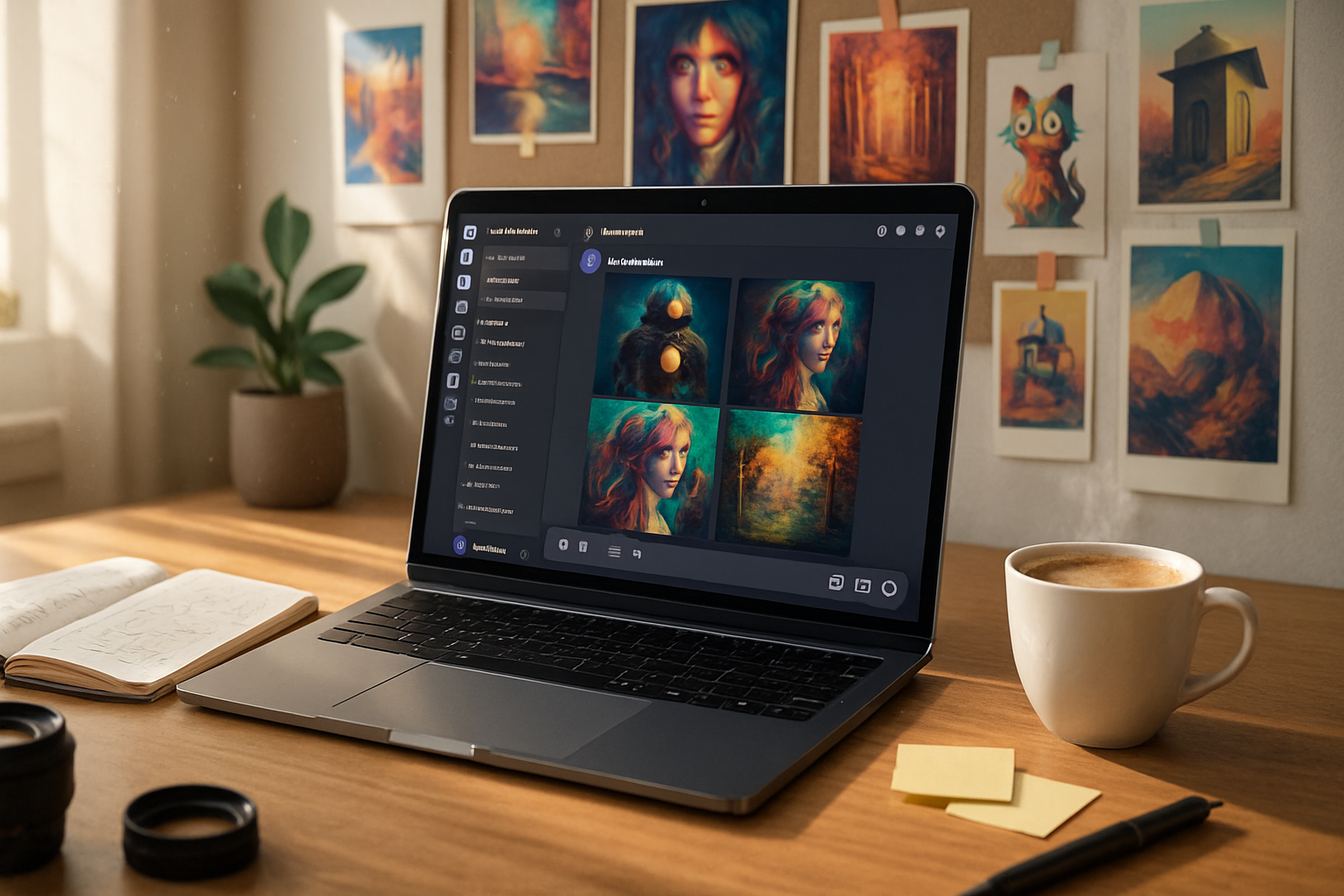
Outcome first: in a single afternoon you’ll be able to create high-quality, reproducible MidJourney images, iterate like a pro, and confidently move from idea to final upscaled asset.
You’ll learn the exact commands, prompt structure, and workflow habits that experienced MidJourney users rely on - plus concrete examples you can copy-and-paste.
Why this matters. MidJourney can feel like alchemy at first. But once you understand the knobs (stylize, chaos, aspect ratio, seed, and more) and a practical iteration loop, you’ll produce better, faster, and more consistent results.
Quick primer: what MidJourney is and how to access it
- MidJourney runs inside Discord. Everything you send the bot is a message to the MidJourney bot.
- Official resources - the MidJourney home and documentation are indispensable:
- If you’re new to Discord, start with a quick guide: https://support.discord.com/.
First 15 minutes (fast path to your first image)
- Join the MidJourney Discord and subscribe (if needed).
- Find a newbie or general channel like
#newbies. - Type the primary command:
/imaginethen paste a prompt. - Wait for four thumbnails. Use the V buttons to create variations and the U buttons to upscale.
You now have your first MidJourney image. Celebrate briefly. Then let’s make it purposeful.
The essential commands and settings (cheat sheet)
/imagine prompt: <your text>- generate images from text./settings- switch models, toggle Remix mode, set quality defaults./blend- combine multiple images into a single prompt (good for reference mixing)./describe- upload an image and let MidJourney generate a prompt from it.- Common flags you’ll use in prompts:
--ar W:H- aspect ratio (e.g.,--ar 16:9).--stylize Nor--s N- controls how strongly MidJourney applies its aesthetic. Lower = stricter to prompt, higher = more artistic.--chaos N- increases variation and unpredictability.--seed N- reproduce a particular composition.--quality Nor--q N- rendering time. Higher = more detail (and cost).--no- negative prompting to exclude elements:--no text, watermark.
Note: flag names and exact ranges change over time; always check the official docs: https://docs.midjourney.com/.
How to build a strong prompt (the anatomy)
Treat a prompt like a recipe. Order matters. Include these parts, in this order, to get reliable results:
- Subject - who or what is the focus.
- Medium - photograph, watercolor, 3D render, digital painting, etc.
- Environment or setting - where and when.
- Lighting & mood - dramatic lighting, golden hour, moody, softbox.
- Color palette & texture - muted pastels, high-contrast, grain.
- Composition & camera - close-up, wide shot, rule-of-thirds, 50mm.
- Style references - genres, artists (use ethically and sparingly; see note below).
- Flags - aspect ratio, stylize, quality, seed, etc.
Example (photorealistic product shot):
/imagine a sleek matte-black wireless headset on a reflective white surface, studio product photography, softbox lighting from top-right, shallow depth of field, 50mm lens, extreme detail, clean minimal composition --ar 3:2 --s 250 --q 2
Example (fantasy illustration):
/imagine a young warrior standing at cliff edge, bioluminescent sea below, cinematic lighting, painterly fantasy illustration, volumetric fog, intricate armor, warm teal color grading --ar 16:9 --s 1000 --chaos 30
Prompt engineering tricks (practical hacks)
- Use parentheses for emphasis:
(epic lighting)increases importance. Double parentheses((subject))increases more. - Use
::weights to create multi-part prompts:samurai::1.2 city::0.8(adjusts relative strength). - Negative prompts:
--no text --no watermarkto remove unwanted artifacts. - Seeds - pick a
- Image prompts - paste an image URL or attach an image to
- Remix mode - enable
Model selection and style choices
MidJourney iterates models (v4, v5, etc.). Newer models tend to be more photoreal and detailed, older ones may better mimic certain painting styles. Use /settings to switch models. For anime or illustration-specific work, try specialized model variants (e.g., “Niji”) if available.
Iteration workflow: from rough idea to final asset
- Rapid ideation (5–15 prompts) - wide
- Narrow down (choose best thumbnail) - use
- Refinement - edit the prompt (or use Remix) to add or remove elements. Lower
- Finalize - upscale with U, or use
- Post-process - touch up in Photoshop, remove artifacts, composite multiple upscales if needed.
Make small, incremental changes between iterations. Change one parameter at a time (e.g., only --s or only --ar) to learn how it affects output.
Composition and photographic tips that work well with MidJourney
- Think like a photographer - focal point, leading lines, negative space.
- Use aspect ratio to force composition - tall for portraits, wide for landscapes.
- Ask for a specific lens or focal length:
50mm,85mm portrait,wide-angle. - Request camera settings for realism:
f/1.8,shallow DOF.
Advanced techniques (pro-level hacks)
- Prompt chaining - generate multiple images and then feed the best result as an image prompt to push a style or composition further.
- Blend multiple concept images with
/blendto merge composition and color palettes. - Use
--tilefor seamless textures and--noto remove artifacts that appear when tiling. - Combine outputs in a horizontal or vertical composite to assemble a sequence or panoramic scene.
- For reproducible series, lock a seed and vary a single parameter like
--chaosor--sto create controlled variations.
Example prompts for different outcomes (copy-paste ready)
Photoreal product: /imagine minimal ceramic vase on marble countertop, editorial product photography, soft natural light, high detail, crisp shadow, 35mm lens --ar 3:2 --s 250 --q 2
Cinematic portrait: /imagine cinematic portrait of an elderly woman, rim lighting, shallow depth of field, Kodak film grain, moody teal and orange grading, 85mm lens --ar 2:3 --s 400 --q 2
Fantasy illustration: /imagine towering crystal forest at dusk, bioluminescent plants, high-fantasy illustration, luminous color palette, wide-angle view --ar 16:9 --s 1000 --chaos 25
Product concept sketch: /imagine concept sketch of foldable e-bike, ink and marker on paper, technical annotations, isometric perspective --ar 4:3 --s 100 --q 1
Troubleshooting common problems
- Too stylized / not following prompt - lower
- Repeating artifacts or text - add
- Image is blurry after upscale - retry with higher
- Color casts you don’t want - explicitly ask for
Ethics, ownership, and artist references
- Using artist names in prompts can create powerful style references, but be mindful of ethical and legal concerns. MidJourney’s policies and community rules change; consult the official docs for guidelines: https://docs.midjourney.com/.
- When creating commercially, ensure you understand the licensing of your subscription level and any platform rules.
Practical workflow checklist (copy this)
- Write a clear subject and medium.
- Add environment, lighting, and composition notes.
- Add one or two style cues and a camera/lens reference if photoreal.
- Choose
--ar,--s, and--qfor your goal. - Generate 8–12 images (chaos higher for creativity).
- Pick the best, make variations, then upscale.
- Final polish in an image editor if needed.
Speed learning plan (7 days)
- Day 1 - Learn Discord + make 50 quick images to familiarize yourself.
- Day 2 - Practice prompt anatomy and saving prompts you like.
- Day 3 - Explore
- Day 4 - Try image prompts and
- Day 5 - Master upscaling and post-processing.
- Day 6 - Create a small themed series with locked seed variations.
- Day 7 - Publish a portfolio page or thread and solicit feedback.
Resources
- MidJourney official: https://www.midjourney.com/home/
- MidJourney docs (commands, parameters, updates): https://docs.midjourney.com/
- Community prompt guide and examples: https://prompthero.com/midjourney-prompt-guide
- MidJourney subreddit for inspiration: https://www.reddit.com/r/midjourney/
Final note - the single most reliable accelerator
Iterate fast, but iterate with a purpose. Generate lots of variations, but change only one variable at a time so you learn what each parameter does. That single habit - deliberate, incremental experimentation - will take you from novice to pro faster than copying single magical prompts.