· productivity · 7 min read
Figma vs. Adobe XD: The Battle of Design Tools in 2023
A practical, side-by-side deep dive into Figma and Adobe XD - what each tool does best, where they lag, and how to choose the right one for your team and workflow in 2023.
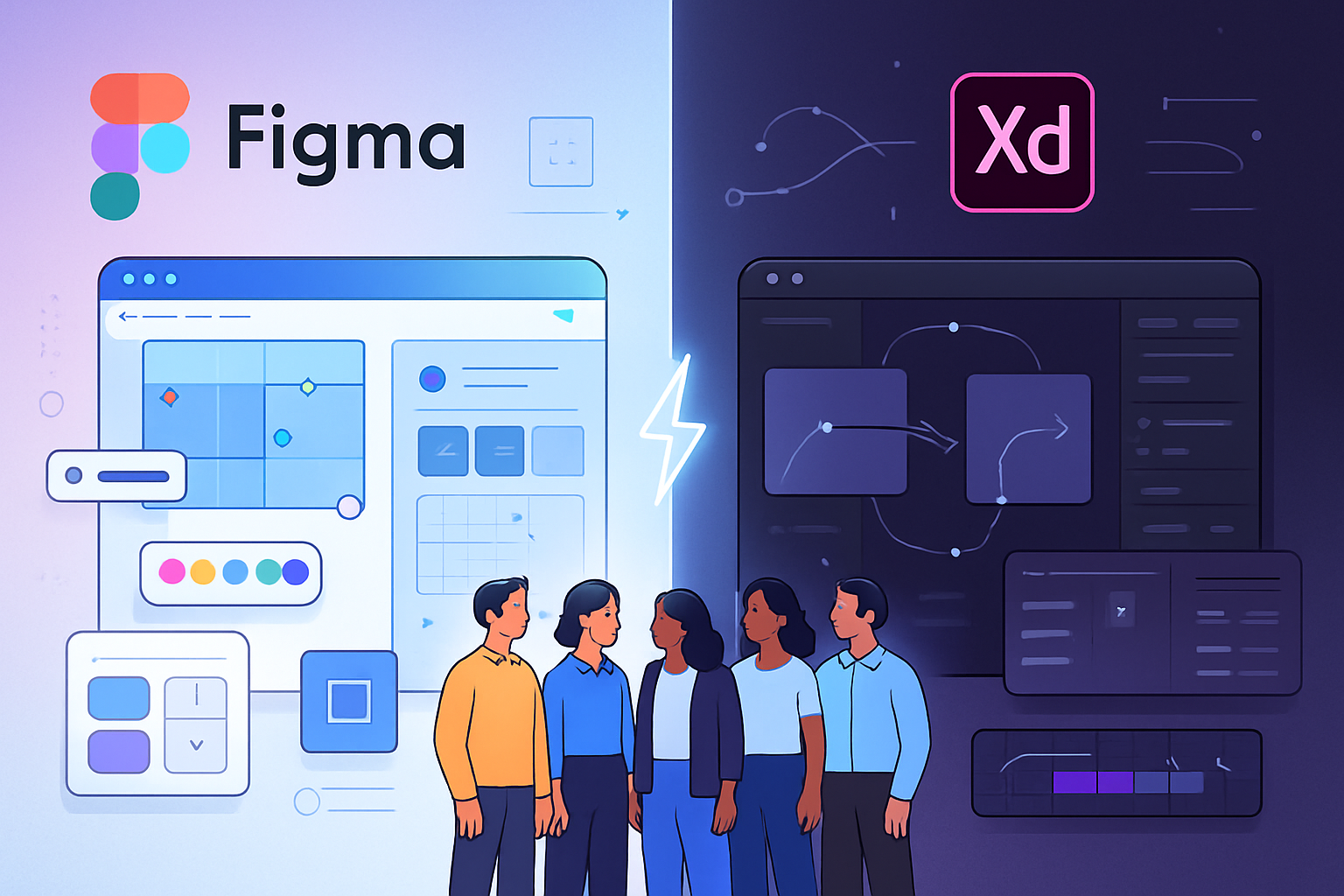
Outcome first: by the end of this article you’ll know which tool to pick for your next project - the one that will save time, reduce friction, and scale with your team.
You’ll get a clear, practical recommendation for the most common workflows: solo designers, fast-moving startups, large product teams, and agencies maintaining design systems.
Why this matters. The choice of design tool affects collaboration, handoff, iteration speed, and long-term maintainability. Pick well and projects move faster. Pick poorly and you spend weeks converting files, rebuilding components, and apologizing to engineers.
Quick verdict (one-paragraph outcome)
If you want seamless, browser-first collaboration, real-time co-editing, and a massive plugin/community ecosystem, Figma is the safer bet in 2023. If you prioritize tight integration with Adobe’s ecosystem, local offline work, and Adobe-style vector/bitmap tooling in a single app, Adobe XD is worth considering - especially if your team already lives inside Creative Cloud. But for most modern product teams building design systems and working remotely, Figma will win more often than not.
How I’ll compare them
I’ll walk through the features that matter most in daily product design work:
- Collaboration and workflow
- Core design features (vectors, components, layout)
- Prototyping and micro-interactions
- Performance and platform support
- Plugins, ecosystem, and community
- Handoff to developers and asset export
- Pricing, licensing, and enterprise considerations
Sources: Figma’s official features pages and Adobe XD documentation are referenced where relevant: Figma features (https://www.figma.com/features/) and Adobe XD product page (https://www.adobe.com/products/xd.html).
Collaboration and workflow - winner: Figma
Figma was built from day one to be collaborative. Real-time co-editing, comment threads attached to frames, and simple browser access mean teammates and stakeholders can participate without installing anything. Version history is easy to navigate and branching features (introduced to support parallel work) let teams experiment without wrecking the main file.
Adobe XD has collaborative features too - cloud documents, coediting, and comments - but historically it arrived later and some workflows still feel more app-centric. If your team is distributed and non-design stakeholders need to review artifacts in-browser, Figma typically cuts friction.
Why it matters: collaboration is not an edge case. If your designers, PMs, and engineers need to iterate together, Figma reduces the number of context switches and file-emailing cycles.
Sources: Figma collaboration features (https://www.figma.com/features/collaboration/), Adobe XD collaboration (https://helpx.adobe.com/xd/using/collaborating-xd.html).
Core design features - parity with different strengths
Both tools provide artboards (frames), vector drawing, boolean operations, grids, layout constraints, and component systems. But the ergonomics differ.
- Components and design systems - Figma’s components and shared libraries are powerful. Variants and component properties make managing large design systems easier. Figma also supports team libraries and organization-wide shared assets.
- Auto Layout vs. Rigid Layout - Figma’s Auto Layout is flexible and behaves like a responsive layout system. XD’s Responsive Resize and Repeat Grid are useful, but many designers prefer Figma’s mental model for component-driven UI.
- Vector editing - Adobe XD benefits from Adobe’s long history in vector and raster tools. Its pen and path tools will feel familiar to Illustrator users. Figma’s vector tools are excellent for UI work and have improved significantly, but Illustrator-level features still belong to Adobe’s apps.
Bottom line: for design-systems-first, component-heavy product work, Figma excels. For designers who need deep Adobe integration (complex vector/raster tasks), Adobe XD has some advantages.
References: Figma components (https://help.figma.com/hc/en-us/articles/360040449373-Create-and-use-components), Adobe XD components (https://helpx.adobe.com/xd/using/components.html).
Prototyping and micro-interactions - close race
Both tools offer prototyping without code, but their strengths differ:
- Figma - supports transitions, smart animate for smooth property-based motion between component states, overlays, and interactive components. Interactive components let you prototype states without duplicating artboards.
- Adobe XD - has robust auto-animate features and time-based triggers. It also supports voice triggers and speech playback, which can be handy for accessible or voice-first prototyping.
If advanced motion design (timelines, easing control) is your focus, Adobe XD’s animation tools historically offered a slightly deeper palette for motion designers, but Figma’s interactive components and transitions have closed that gap.
Reference: Adobe XD prototyping (https://www.adobe.com/products/xd/features/prototyping.html), Figma prototyping (https://www.figma.com/proto/).
Performance and platform support
- Figma - browser-first approach with desktop apps available. This means you can work on almost any OS (Windows, macOS, Linux via browser) with consistent files stored in the cloud. Performance is generally excellent, though extremely large files with many large vector paths can be heavy in-browser.
- Adobe XD - native desktop application (Windows and macOS). Local file handling can be faster for some large files and offline work. Mobile preview apps exist for both.
If you need to work offline regularly or rely on local file storage and native performance, Adobe XD can be more comfortable. For collaborative, cross-platform access, Figma’s browser model wins.
Plugins, integrations, and ecosystem - advantage: Figma
Both platforms have plugin ecosystems. Figma’s community is vast - free UI kits, templates, plugins, and community files are easily discoverable inside the app. Integrations with tools like Zeplin, Jira, Notion, and Slack are strong on both sides, but Figma’s ecosystem feels more active and open.
Adobe XD integrates well with Creative Cloud apps (Photoshop, Illustrator, After Effects via Bodymovin or other bridges) which is a real advantage if you already rely on Adobe tools.
Developer handoff and exporting assets
Both tools support asset export in multiple formats (PNG, SVG, JPG, PDF) and provide inspect tools to get CSS, iOS, and Android specs.
- Figma - the inspect panel gives CSS, iOS, and Android snippets and supports design tokens extraction via plugins. Shareable links let developers inspect elements in-browser.
- Adobe XD - also provides design specs and integrates with Adobe’s ecosystem for handoff. Some teams still prefer third-party tools (Zeplin, Avocode) for richer handoff features, but both Figma and XD cover the essentials.
If the developer toolchain relies heavily on automated token extraction or direct integration with design systems, Figma’s plugin ecosystem often makes those workflows smoother.
Pricing and licensing (2023 snapshot)
- Figma - offers a freemium model (free tier with limitations), Professional, Organization, and Enterprise plans. Pricing is per-editor for paid plans; viewers can often be free. The cloud-first model means files live online by default.
- Adobe XD - part of Adobe Creative Cloud. Adobe has offered XD both as a standalone app and bundled in Creative Cloud plans. Licensing is typically per-user via Adobe’s subscription.
For small teams or freelancers, Figma’s free tier is generous enough to get started. For organizations already deep into Adobe Creative Cloud, Adobe XD may come at a lower incremental cost if it’s part of an existing subscription.
Always double-check current pricing pages: Figma pricing (https://www.figma.com/pricing/) and Adobe XD plans (https://www.adobe.com/products/xd/pricing.html).
Learning curve and community
Figma’s UI and collaborative features make onboarding quick for new designers. Its community-created templates and tutorials accelerate learning. Adobe XD is also approachable, especially for designers who already know Adobe’s paradigms.
If you value community-contributed assets and public design files you can fork and learn from, Figma has the edge.
Which should you pick? Use-case recommendations
- Solo freelance designers - Figma if you want easy sharing and a strong free tier; Adobe XD if you need stronger offline support or deep Adobe integration.
- Startups and cross-functional product teams - Figma. The collaboration model, components, and plugins speed up iteration and developer handoff.
- Agencies and studios producing marketing sites and visual work - Could be either. If the studio uses Photoshop/Illustrator heavily, Adobe XD may slot in more naturally.
- Large enterprises with strict file governance - Both can work. Enterprises often evaluate security, SSO, and admin features - check each vendor’s enterprise offerings and ask about data residency, SSO, and audit logs.
Migration tips (if you’re switching)
- Audit your existing files and prioritize what to move - design systems, active projects, archived files.
- Export assets and styles first - color palettes, typography specs, and icon libraries.
- Recreate core components and patterns rather than trying to convert every screen automatically. This is an opportunity to rethink and simplify.
- Use plugins/tools to port assets where possible, but expect manual cleanup.
Decision checklist (quick)
- Need real-time multi-editor collaboration? Choose Figma.
- Need offline-first native app and deep Adobe app integration? Choose Adobe XD.
- Building a large design system for cross-team reuse? Choose Figma.
- Want advanced motion/voice prototyping in a native app? Consider Adobe XD.
- Cost-sensitive freelancer/startup starting now? Figma’s free tier is compelling.
Final thoughts
Both Figma and Adobe XD are capable UI/UX tools. The gap has narrowed over time, but the differences that remain matter: Figma’s collaboration-first, cloud-native model reshaped how teams work and remains the dominant pattern for modern product teams. Adobe XD remains a competent, native app that can be the right tool for Adobe-centric shops or teams that require strong offline work and Adobe integrations.
Decide around your workflow, not features alone. Tools change. Processes don’t. Pick the tool that reduces friction for the way your team actually works, and standardize your process so the tool serves the workflow - not the other way around.
Further reading and official documentation
- Figma features: https://www.figma.com/features/
- Figma pricing: https://www.figma.com/pricing/
- Adobe XD product page: https://www.adobe.com/products/xd.html
- Adobe XD help and collaboration: https://helpx.adobe.com/xd/using/collaborating-xd.html