· creativity · 5 min read
BandLab vs. Competitors: Why It’s the Best Free DAW for Independent Artists right Now
A practical, comparative guide showing why BandLab is the top free DAW choice for independent artists today - focusing on accessibility, collaboration, and the tools beginners actually need to make music fast.
Introduction - what you’ll get from this article
You’ll finish this read knowing whether BandLab is the right free DAW for your workflow - and why it outruns the competition for most independent artists starting out. Expect clear, practical comparisons and a compact plan to get a song from idea to release using BandLab today.
Why BandLab matters to independent artists - outcome-first
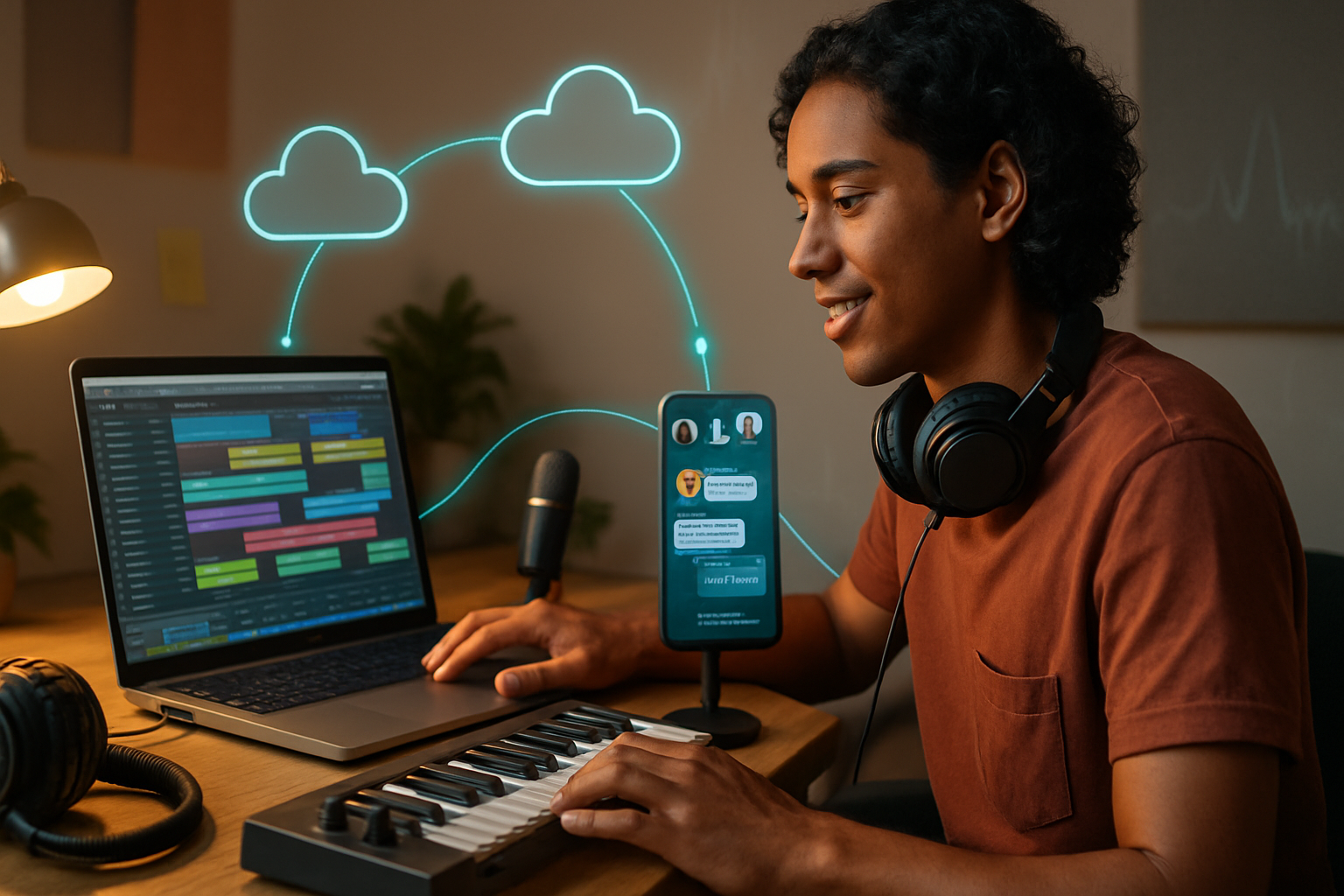
BandLab removes friction. You won’t install heavy software. You won’t buy plugins to get started. You create, collaborate in real time, and publish - all for free. Simple. Fast. Scalable.
In short: BandLab gives you a modern, cloud-first DAW experience with social features that make sharing and growth part of the creation loop.
What BandLab does best (quick overview)
- Cross-platform web + iOS + Android access - work on a laptop, tablet, or phone.
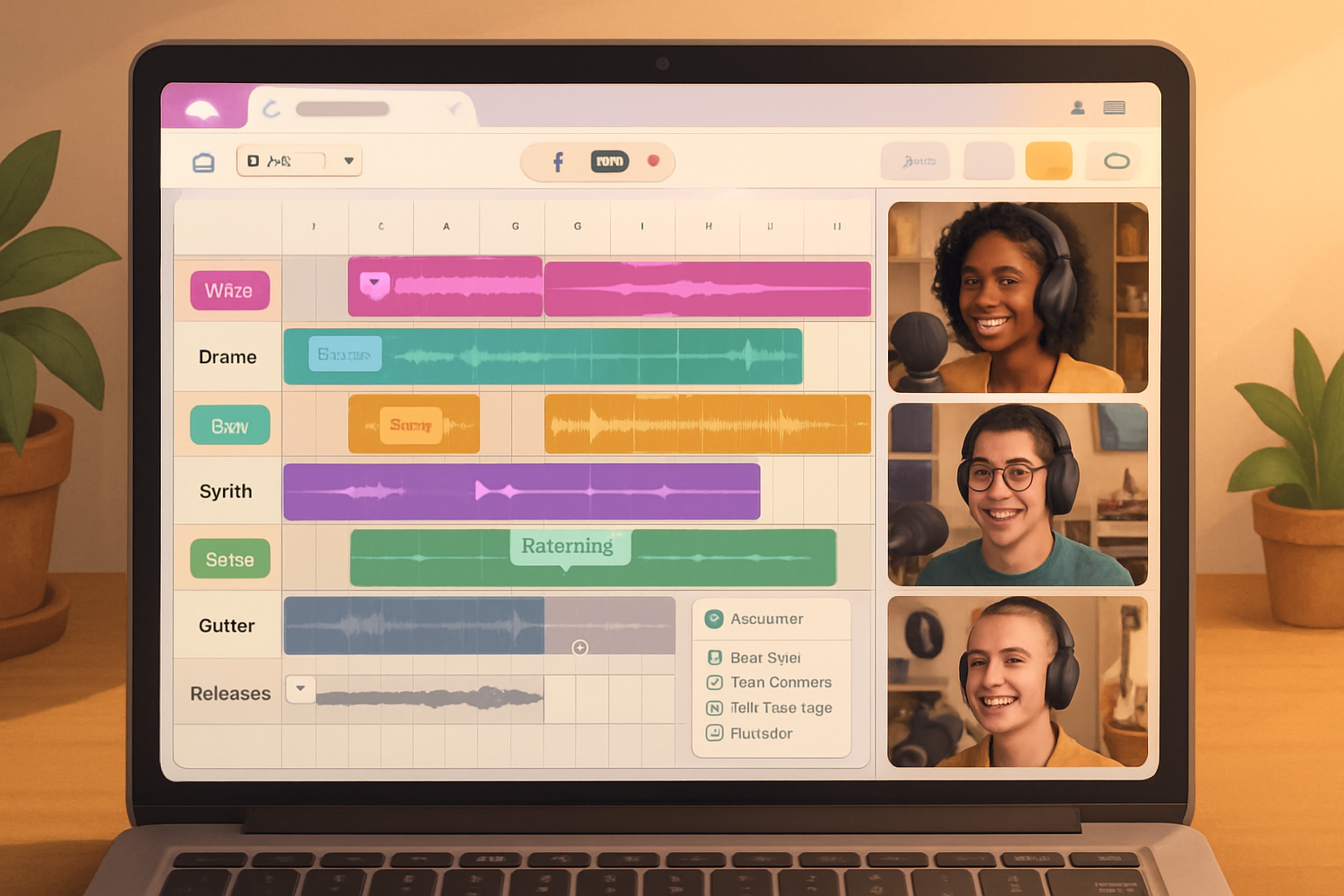
- Cloud projects and real-time collaboration - invite collaborators and work together live.
- Built-in instruments, loops, and samples - start composing without buying sound packs.
- Free AI-assisted mastering and easy export options.
- Integrated social sharing, publishing, and discovery tools.
Core features that give BandLab an edge for beginners
Accessible entry point
BandLab’s interface is intentionally approachable. Templates, drag-and-drop loops, and pre-built instrument patches let a newcomer make a complete song within an hour. Short learning curve. Big results.
No friction cloud workflow
Because BandLab is web-native, you can switch devices and pick up where you left off. No project file juggling. No version-mismatch headaches. That reliability alone saves hours and keeps momentum.
Collaboration that actually works
Invite collaborators with a link. Edit together in real time. Track changes and fork projects. For independent artists who need features like remote co-writing, this beats the patchwork approach of sending project files back and forth.
Everything you need without extra cost
BandLab bundles virtual instruments, a decent loop library, drum machines, MIDI support, and a free mastering service. Those are features many other free DAWs either lack or lock behind paid tiers.
How BandLab stacks up against the main free alternatives
Below are the common choices an independent artist will consider, and how BandLab compares in beginner-friendliness and real-world value.
Audacity - great for editing, not a modern DAW
- Strengths - Simple audio editing, lightweight, open source (
- Weaknesses vs BandLab - No native MIDI/instrument workflow, no integrated instruments or loops, limited UI for multitrack production.
- Verdict - Use Audacity for precise audio cleanup and quick edits. Use BandLab to compose, arrange, and collaborate.
GarageBand - Apple polish, platform lock
- Strengths - Excellent starter DAW with instruments and presets, free on macOS/iOS (
- Weaknesses vs BandLab - macOS/iOS only; collaboration and cloud accessibility aren’t as seamless across devices; limited social/discovery features.
- Verdict - If you’re deep in the Apple ecosystem and work offline, GarageBand is terrific. If you want device-agnostic cloud collaboration and social sharing, BandLab is better.
Cakewalk by BandLab - pro-grade, Windows-only complexity
- Strengths - Full-featured, professional DAW born from SONAR; powerful mixing and editing (
- Weaknesses vs BandLab - Windows-only, steeper learning curve, heavier system requirements, not web-based.
- Verdict - Choose Cakewalk if you want a free pro-level desktop DAW and you run Windows. Choose BandLab for quick, cross-device workflows and social distribution.
Waveform Free (Tracktion) - generous desktop DAW but limited extras
- Strengths - Unlimited audio/MIDI tracks, modern workflow (
- Weaknesses vs BandLab - Lacks the cloud/social ecosystem, fewer bundled content packs, and a tougher onboarding for absolute beginners.
- Verdict - Good if you want a free, local desktop DAW. BandLab is better for online collaboration and integrated learning.
LMMS - free, but not built for recording live audio
- Strengths - Strong on MIDI sequencing and electronic composition (
- Weaknesses vs BandLab - Weak or no audio recording workflow, dated UI, limited built-in mastering and distribution.
- Verdict - Use LMMS for beat-making if you don’t need audio recording. For singing, live instruments, or easy release, BandLab wins.
Soundtrap - direct competitor with premium tiers
- Strengths - Online DAW with collaboration and education focus (
- Weaknesses vs BandLab - Some features locked behind paywalls; limited free library compared to BandLab’s generous free suite.
- Verdict - Soundtrap and BandLab are closest feature-for-feature. BandLab’s generous free offerings and built-in mastering pull ahead for many independent artists.
Reaper - powerful and inexpensive, but not free forever
- Strengths - Extremely powerful, full-featured, tiny install (
- Weaknesses vs BandLab - Not free in the long run (discounted license), desktop-only, steeper learning curve.
- Verdict - Reaper is a wise investment if you want a forever-local professional DAW. For zero-cost, cloud-native ease-of-use, BandLab is preferable.
When BandLab isn’t the right choice
- You need ultra-low-latency audio for pro studio tracking on specialized hardware - choose a dedicated desktop DAW (Cakewalk, Reaper, Pro Tools).
- You require advanced plugin routing, surround mixing, or bespoke third-party plugin chains - desktop DAWs are more flexible.
- You prefer a completely local workflow with files on your machine only - BandLab is cloud-first.
Quickstart: 6 steps to release your first song on BandLab (practical)
- Create a free account at BandLab (https://www.bandlab.com).
- Open the Mix Editor and pick a template or start with a blank project.
- Use loops/instruments to sketch the arrangement. Add a vocal or guitar take using your phone or laptop mic.
- Invite a collaborator via link for live co-writing, or export stems for offline work.
- Use BandLab Mastering to polish the final mix (BandLab Mastering).
- Publish to your BandLab Profile and export WAV/MP3 for distribution.
Tips to accelerate learning and keep momentum
- Start with loops and a 2–3 minute song. Smaller wins build confidence.
- Use the mobile app to capture ideas immediately - then flesh them out on the web editor.
- Try the free mastering on a few mixes to learn how dynamics and tonal balance affect loudness.
- Use collaboration as a learning tool - watch how others build arrangements, then apply those techniques.
Final verdict - why BandLab is the best free DAW for independent artists right now
BandLab lowers the barrier to making and sharing music in ways most free DAWs don’t. It combines a usable, modern DAW with cloud sync, real-time collaboration, a broad sound library, and free mastering - all without asking for money. If you want to create quickly, collaborate without friction, and get heard without upfront costs, BandLab is the most complete free option available today.
References and further reading
- BandLab - https://www.bandlab.com
- BandLab Mastering - https://www.bandlab.com/mastering
- Cakewalk by BandLab - https://www.bandlab.com/products/cakewalk
- GarageBand - https://www.apple.com/mac/garageband/
- Audacity - https://www.audacityteam.org/
- Waveform Free (Tracktion) - https://www.tracktion.com/products/waveform-free
- LMMS - https://lmms.io/
- Soundtrap - https://www.soundtrap.com/
- Reaper - https://www.reaper.fm/