· productivity · 6 min read
The Ultimate Miro Hacks: Boost Your Team's Collaboration
A practical playbook of Miro techniques and workflows to run faster remote sessions, spark creative brainstorming, and turn visual planning into aligned, actionable outcomes.
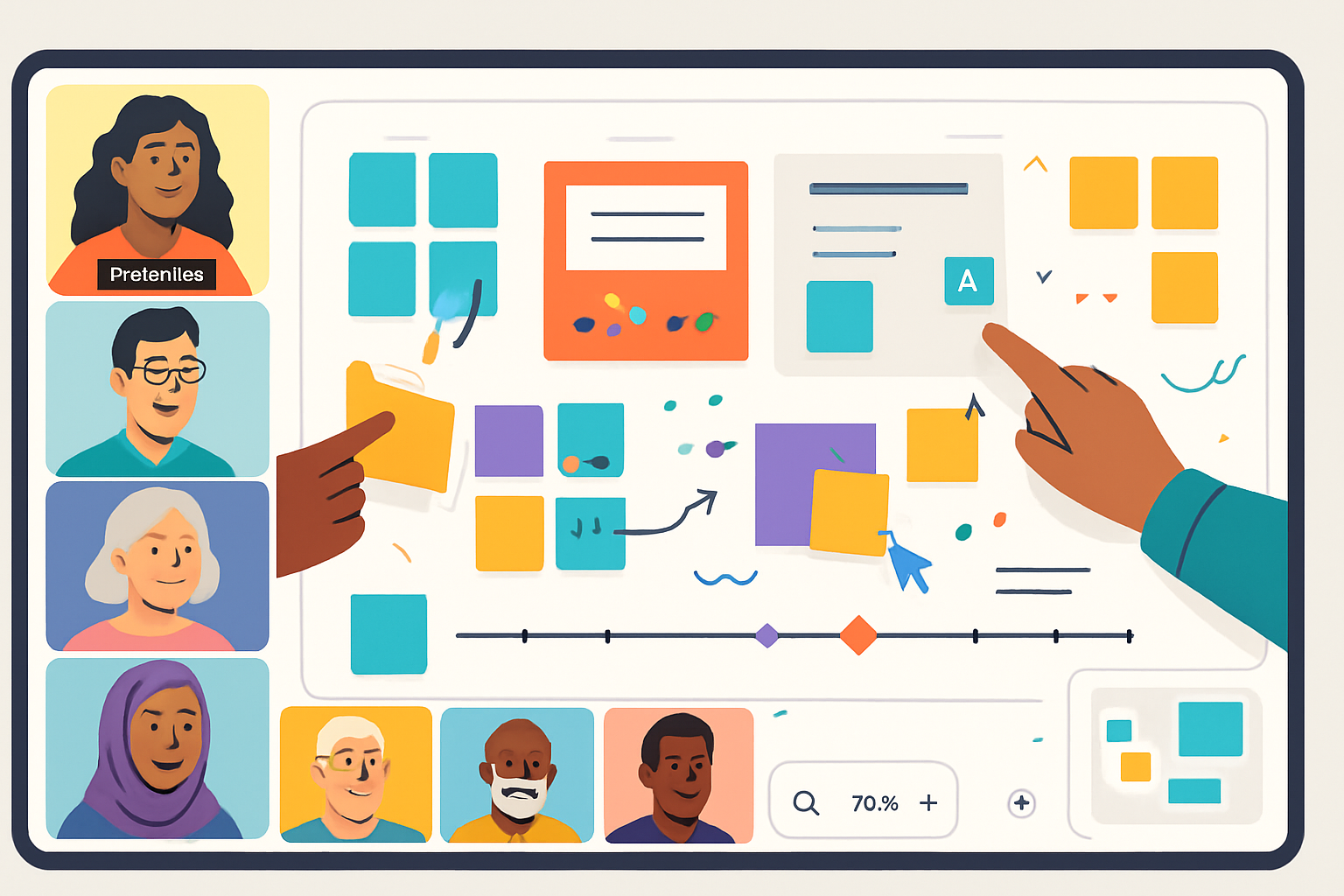
Outcome: run shorter, more creative meetings and turn messy whiteboards into repeatable systems that produce action. Read this, apply a few hacks, and your team will start finishing workshops with real next steps - not a blurry screenshot.
Why Miro becomes a team superpower
Miro is more than a digital whiteboard. It’s a collaboration canvas that turns ideas into visible artifacts your team can iterate on together. Use it right and meetings become decisively productive; use it poorly and it becomes an unreadable blob of sticky notes.
This guide gives you practical, high-impact Miro hacks you can apply today - for remote work, brainstorming, and visual planning - plus complete workflows you can copy and paste into your next session.
Quick setup and board hygiene (5 minutes that save hours)
- Create a clear entry point - make a top-left frame the “Start Here” frame with the meeting name, goals (2), and agenda. People should know where to begin without being told.
- Use a meeting template or a master board - keep a library of templates (retrospective, user story mapping, roadmap) so you’re not rebuilding the same structure each time.
- Lock the canvas background and any guiding elements (rules, agenda, legend). This prevents accidental edits.
- Limit active area with frames - frames act like slides. Frame everything important so viewers can use presentation mode and you can export clean PDFs.
- Color-code meaning - green = decisions, yellow = ideas, red = blockers, blue = actions. Consistency makes scanning instantaneous.
High-impact remote meeting hacks
- Asynchronous pre-work board
- Add a short pre-meeting frame with reading, a one-question poll, or a 5-minute sticky-note prompt. People arrive prepared.
- Frame-based agenda and timeboxing
- Create a frame per agenda item. Add an embedded timer in the frame or start a visible countdown. Timeboxes keep discussion tight.
- Use the Follow and Presenter modes
- Ask participants to follow you during walkthroughs. Switch to Presenter mode for polished transitions. This keeps attention and prevents accidental wandering around the canvas.
- Enable cursors, but use mic-checks
- Cursors are great. Use a quick mic-check or emoji reaction to make sure people can speak when they want. Don’t rely on cursors alone.
- Convert votes to actions instantly
- After dot-voting, immediately create an “Action” frame, assign owners, set due dates, and export to Jira/Asana or copy into meeting notes.
Brainstorming that actually produces ideas
- Silent start - 3-minute burst
- Ask everyone to add sticky notes silently for 3 minutes. Silence prevents loud voices from dominating early thinking.
- Stimulus layering
- Add an image, a competitor screenshot, or a short user quote as a stimulus. Visual context accelerates ideation.
- Cluster, name, prioritize
- After sticky capture, cluster notes visually, name each cluster, then use prioritization (impact/effort, MoSCoW, or dot-voting).
- Use limited palettes and icons
- Give each person a color or icon for their stickies. It preserves contribution visibility and accountability.
- Bring in randomness
- Drop a random constraint (time, budget, user persona) mid-session to push creative solutions. Constraints spark novelty.
Visual planning and roadmaps
- Turn frames into milestones
- Use large frames as milestone containers. Inside each, place tasks (sticky notes or cards) and owners.
- Build a living Kanban
- Create three frames - Backlog, In Progress, Done. Move cards across frames to reflect real-time status. Integrate with Jira or Trello for automated sync.
- Timeline clarity with swimlanes
- Use swimlanes (horizontal frames) for teams or themes and vertical markers for quarters or sprints. Color tasks by priority.
- Map user journeys visually
- Use arrows, personas, and event frames to show the end-to-end experience. Annotate pain points in red so they stand out.
- Preflight before handoffs
- Before handing a design or spec to another team, create a “Preflight” frame - goals, acceptance criteria, dependencies, and deliverables. One glance tells the receiving team what to do next.
Facilitation and productivity power-ups
- The parking lot
- Add a framed “Parking Lot” for off-topic items. Resolve them later asynchronously to keep the meeting focused.
- Use timers and constraints to force decisions
- Add 5–7 minute timers for debate and then force a quick decision. The deadline sharpens thinking.
- Annotations and voting for alignment
- Use comments for detailed feedback and dot-voting for quick alignment. Close the loop by converting highest-voted items into assigned actions.
- Templates + Miroverse
- Save and share your best templates in a team space. Explore Miroverse for workshop templates you can adapt quickly: https://miro.com/miroverse/
- Lock frequently used assets
- Create a team library of icons, personas, and wireframe components. Lock them so people can copy them but not accidentally move originals.
Integrations and automation that reduce busywork
- Link boards to your meeting notes app, embed Figma frames, and sync tasks to Jira/Asana. The fewer manual transfers, the less gets lost.
- Use CSV import for bulk sticky creation when migrating brainstorm outputs from documents or spreadsheets.
- Export frames as PDFs or PNGs for distribution or for including in Confluence pages.
(Miro help center is a good place to learn integrations: https://help.miro.com/hc/en-us)
Two ready-to-run templates (copyable workflows)
Workflow A - 60-minute remote ideation and decision
- Pre-work (asynchronous, 24 hours) - One-frame summary, 3-minute sticky prompt.
- 0–5 mins - Quick welcome, goals, rules (use the Start Here frame).
- 5–15 mins - Silent idea capture (3 min) + silent labeling (7 min).
- 15–30 mins - Cluster + name clusters.
- 30–40 mins - Impact/Effort dot voting.
- 40–50 mins - Convert top 3 ideas into mini-outcomes (owner, next step, due date).
- 50–60 mins - Action export to Jira/Asana, one-sentence recap, screenshot, close.
Workflow B - Product planning sprint (90 minutes)
- Pre-work - populate backlog frame with user stories.
- 0–10 mins - Goals & metrics.
- 10–40 mins - Story mapping across timeline swimlanes.
- 40–60 mins - Prioritization (Use weighted scoring or impact/effort matrix).
- 60–80 mins - Draft sprint goals and task owners.
- 80–90 mins - Preflight frame for handoff; export to task tracker.
Governance: permissions, naming, and board lifecycle
- Use team spaces to organize boards by product or function.
- Prefix board names with year/month and project code for easy searching (e.g., 2025-Q4-PRODUCT-ROADMAP).
- Archive boards monthly and keep a “Master Board” that links to active boards. One click takes you to the source.
Quick keyboard shortcuts (learn the essentials)
- Space + drag - pan around the board quickly.
- Ctrl/Cmd + D - duplicate selected object.
- Ctrl/Cmd + Z - undo.
- Use the toolbar (or press ? inside Miro) to discover more shortcuts.
Note: exact hotkeys vary slightly between platforms; check your Miro environment for the most current list.
Troubleshooting common problems
- Too many stickies? Cluster immediately and collapse clusters into cards to reduce visual noise.
- People wandering the board? Use Follow Mode or guide everyone through frames.
- No follow-through on actions? Add owners and due dates inside an Action frame and export tasks to your issue tracker.
Final checklist before you hit “Start meeting”
- “Start Here” frame with goals and agenda? ✓
- Pre-work completed and visible? ✓
- Timers and frames set for each agenda item? ✓
- Parking lot and action frame pre-made? ✓
- Integration/export path ready for actions? ✓
Resources
- Miro Guides and Help Center: https://help.miro.com/hc/en-us
- Miroverse (templates): https://miro.com/miroverse/
Apply one or two of these hacks the next time you run a session. Keep the ones that stick. Toss the rest. Over time you’ll build a team-specific Miro playbook that consistently produces clarity, alignment, and action.