· marketing · 7 min read
Pardot vs. Competitors: What Can You Learn From Their Unique Integrations?
Compare Pardot with HubSpot and Marketo by integration strengths. Learn practical alternatives, middleware recipes, and concrete tips to unlock Pardot's full potential for ABM, events, eCommerce, attribution and sales alignment.
Outcome-first intro
Start here: by the end of this article you’ll know exactly which integrations to add or replace to make Pardot behave like the platform you wish you had - without ripping out your Salesforce stack. Read on to see where Pardot shines, where competitors like HubSpot and Marketo provide useful lessons, and which concrete integration recipes will give you fast wins.
Why integrations decide winners
A marketing automation tool is only as useful as the systems it talks to. Integrations determine:
- Whether marketing data becomes usable for sales and analytics.
- How smoothly events, eCommerce, and ad platforms feed back into lead scoring.
- How fast you can iterate campaigns and measure ROI.
Pardot’s core advantage is its Salesforce-native architecture. But that same tight coupling means Pardot sometimes lacks the all-in-one convenience or certain third-party depth that HubSpot and Marketo offer. We’ll look at those differences and give you practical workarounds.
Quick comparison snapshot (high level)
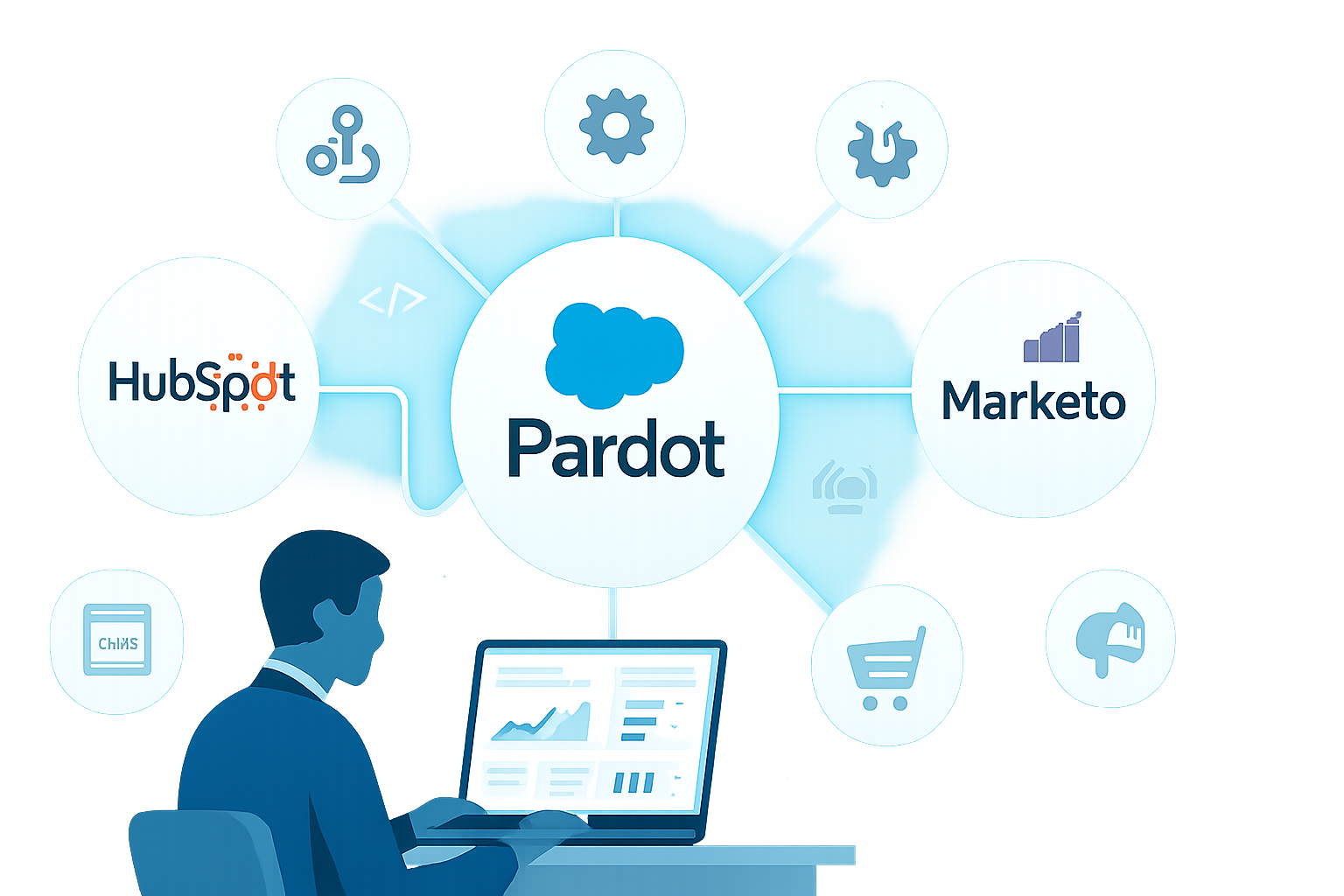
- Pardot (Salesforce Account Engagement) - Best when you want deep Salesforce sync, enterprise B2B processes, and shared CRM objects.
- Marketo (Adobe Marketo Engage) - Best for complex nurture programs, Adobe ecosystem ties, and rich third-party integrations via LaunchPoint.
- HubSpot - Best for SMBs or teams wanting an integrated CMS/CRM/marketing platform with easy-to-install apps and quick time-to-value.
Official product pages for reference: Pardot/Salesforce B2B Marketing Automation overview, HubSpot Marketing Hub, Adobe Marketo Engage.
What Pardot uniquely offers (and why it matters)
- Native Salesforce object sync and security model. Leads, contacts, and custom objects can be joined into a single source of truth. This makes multi-touch attribution and closed-loop reporting more reliable if you use Salesforce as canonical CRM.
- Engagement Studio (nurture automation) built specifically for B2B use cases and aligned to Salesforce campaigns.
- AppExchange and built-in connectors that leverage Salesforce identity and permissions.
If your business is Salesforce-first - complex account hierarchies, sales processes, or enterprise compliance needs - Pardot’s integration pattern reduces friction.
What HubSpot teaches us about integrations
HubSpot’s lessons are simplicity and breadth.
- All-in-one stack - CRM, CMS, marketing, and customer service integrated out of the box. That reduces the number of third-party steps for content-heavy or inbound-driven teams. See HubSpot’s app marketplace
- E-commerce-first connectors - native apps for Shopify and many commerce systems make ecommerce marketing tracking easier for SMBs and mid-market.
- Easier third-party installs and lower admin overhead - many integrations are plug-and-play and don’t require a middleware layer.
Takeaway: If your team values speed and self-serve integrations (CMS + CRM + marketing together), invest in connectors or a small middleware layer that reproduces HubSpot’s compact stack for Pardot.
What Marketo teaches us about integrations
Marketo is built for complexity and extensibility.
- LaunchPoint ecosystem - a broad partner ecosystem for ads, data enrichment, events, and more. Learn about LaunchPoint
- Advanced APIs and webhook-driven flows for real-time orchestration. Marketo’s APIs are often used to build deep, custom integrations.
- Strong ABM and program-level measurement, and tight integrations with ad platforms and analytics tools.
Takeaway: When you need programmatic integration depth - real-time webhooks, custom event ingestion, or complex ABM workflows - model Pardot integrations after Marketo’s real-time patterns using middleware or Salesforce streaming.
Common gaps in Pardot integrations - and pragmatic fixes
- Missing one-click CMS or eCommerce comfort
- Problem - Pardot does not include a full CMS; landing pages are fine for campaigns but not a content hub.
- Fix - Use a CMS (e.g., WordPress, Drupal) with a connector. Sync contact events via middleware (Zapier, Workato, or MuleSoft). Or use Salesforce CMS to keep content and CRM tighter.
- Reference - Salesforce AppExchange for connectors
- Event & webinar integrations are often fragmented
- Problem - Webinar platforms (Zoom, ON24, GoToWebinar) have different levels of native support.
- Fix - Use dedicated connectors or a middleware workflow: webhook from webinar -> middleware transform -> Pardot API (or write to Salesforce object). This preserves attendance and engagement data for scoring.
- Multi-touch attribution and ad platform synchronization
- Problem - Pardot’s native attribution is limited compared with dedicated tools.
- Fix - Push campaign and ad metadata into Salesforce campaigns using connector syncs or use B2B Marketing Analytics/Bizible for advanced attribution. Alternatively, capture utm parameters in Pardot custom redirects and sync to Salesforce.
- Account-Based Marketing (ABM) feature gaps
- Problem - Pardot provides ABM basics but competitors may bundle advanced ad and account insights.
- Fix - Integrate with an ABM platform (e.g., 6sense, Demandbase) through middleware. Use Salesforce account objects as the single ABM source of truth.
Practical integration recipes (step-by-step examples)
Recipe A - Webinar attendance into Pardot + Salesforce (Zoom)
- Use Zoom’s webhook for registrant and attendee events.
- Route webhooks to middleware (Workato or Zapier) for de-dupe and enrichment.
- Use middleware to call Pardot API for prospect activity (or write an Event custom object in Salesforce and rely on Pardot-SF sync).
- Update Pardot score and add to Engagement Studio program.
Recipe B - Shopify purchases as Pardot activity for lifecycle scoring
- Install Shopify connector to push order events to middleware.
- Middleware enriches events (LTV, SKU categories) and writes to Salesforce custom purchase object.
- Flow triggers update Pardot prospect and dynamically update lists.
Recipe C - Real-time ad conversion sync (HubSpot-style experience)
- Capture UTM data on landing pages with Pardot forms/custom redirects.
- Send conversions and events to Salesforce campaigns via middleware or Apex-based integration.
- Use B2B Marketing Analytics for multi-touch reporting.
API and middleware choices: when to DIY vs use middleware
Use middleware (Zapier, Workato, MuleSoft) when - you need quick connectors, orchestration, transformation, or non-developers will maintain flows. (Zapier/Workato are faster to implement; MuleSoft is best for enterprise-grade, governed integrations.)
- Zapier - quick wins for SMBs.
- Workato - robust enterprise orchestration.
- MuleSoft - enterprise-scale Salesforce-native orchestration.
Use custom integration (Apex + Pardot API) when - you require low-latency, high-volume, or logic that must run close to Salesforce data models.
Pardot API references and connector notes: Pardot/Marketing Cloud docs and developer guides are essential; see the official developer portal for APIs: https://developer.salesforce.com/docs/marketing/overview.
Governance, security and data hygiene - non-negotiables
- Connector user - Use a dedicated Pardot connector user (with a named integration account) so changes are auditable.
- Mapping doc - Maintain a field-mapping spreadsheet. Keep a canonical source for each field (Salesforce or external).
- Rate limits & retries - Know API rate limits and build retry logic in middleware.
- Consent & GDPR - Integrate consent status from your web forms and ensure sync respects contact preferences across systems.
Quick wins to maximize Pardot using competitor lessons
- If you want HubSpot-style CMS simplicity, pair a modern CMS with a lightweight middleware sync to Pardot instead of trying to build everything in Pardot landing pages.
- If you want Marketo-level real-time orchestration, implement webhooks + middleware + Salesforce Platform Events for near real-time updates into Salesforce and Pardot.
- Use AppExchange and LaunchPoint to find prebuilt connectors before building custom code. Saves time and reduces risk.
Measurement and reporting: cut through the noise
- Use Salesforce reports/dashboards for CRM-level attribution and pipeline impact. Pardot activity is best viewed as prospect behavior feeding Salesforce.
- For advanced multi-touch attribution, consider B2B Marketing Analytics (Salesforce) or Bizible. These tools were built to combine ad, web, and CRM data across channels.
10 practical checklist items before you start any new integration
- Define the canonical data owner for each object.
- Map fields and values, including picklists and data types.
- Create a connector/integration account with limited permissions.
- Test on a sandbox or staging environment.
- Add retry and dead-letter handling for failed messages.
- Monitor sync queues daily for 2–4 weeks after launch.
- Capture UTM and referrer data reliably.
- Build clear matching/dedupe rules.
- Document consent and opt-out flows.
- Schedule quarterly integration reviews.
Final takeaway - what to do now
Learn from HubSpot: package frequently used connectors into a small, low-maintenance integration layer to achieve compact, quick-to-launch features. Learn from Marketo: add webhook-driven, programmatic integrations where speed and complexity matter. But stay with Pardot if Salesforce is your CRM backbone - the trust, security and single source-of-truth benefits are hard to replicate.
Start small, measure impact, and iterate. Integrations are not a one-time project; they’re a capability. Build that capability and Pardot will do more for your pipeline than you thought possible.
References
- Salesforce B2B Marketing Automation: https://www.salesforce.com/products/marketing-cloud/b2b-marketing-automation/
- HubSpot Marketing Hub: https://www.hubspot.com/products/marketing
- Adobe Marketo Engage: https://www.adobe.com/experience-cloud/marketo.html
- Marketo LaunchPoint documentation: https://docs.adobe.com/content/help/en/marketo/using/launchpoint.html
- Salesforce AppExchange: https://appexchange.salesforce.com/
- Zapier: https://zapier.com/
- MuleSoft: https://www.mulesoft.com/