· creativity · 5 min read
The Future of Video Editing: How Runway Gen-2 is Changing the Game for Creatives
Runway Gen-2 brings generative video editing into practical workflows. This deep dive explains what makes Gen-2 different, concrete benefits for freelancers and small businesses, practical workflows, limitations, cost considerations, and how to adopt it responsibly.
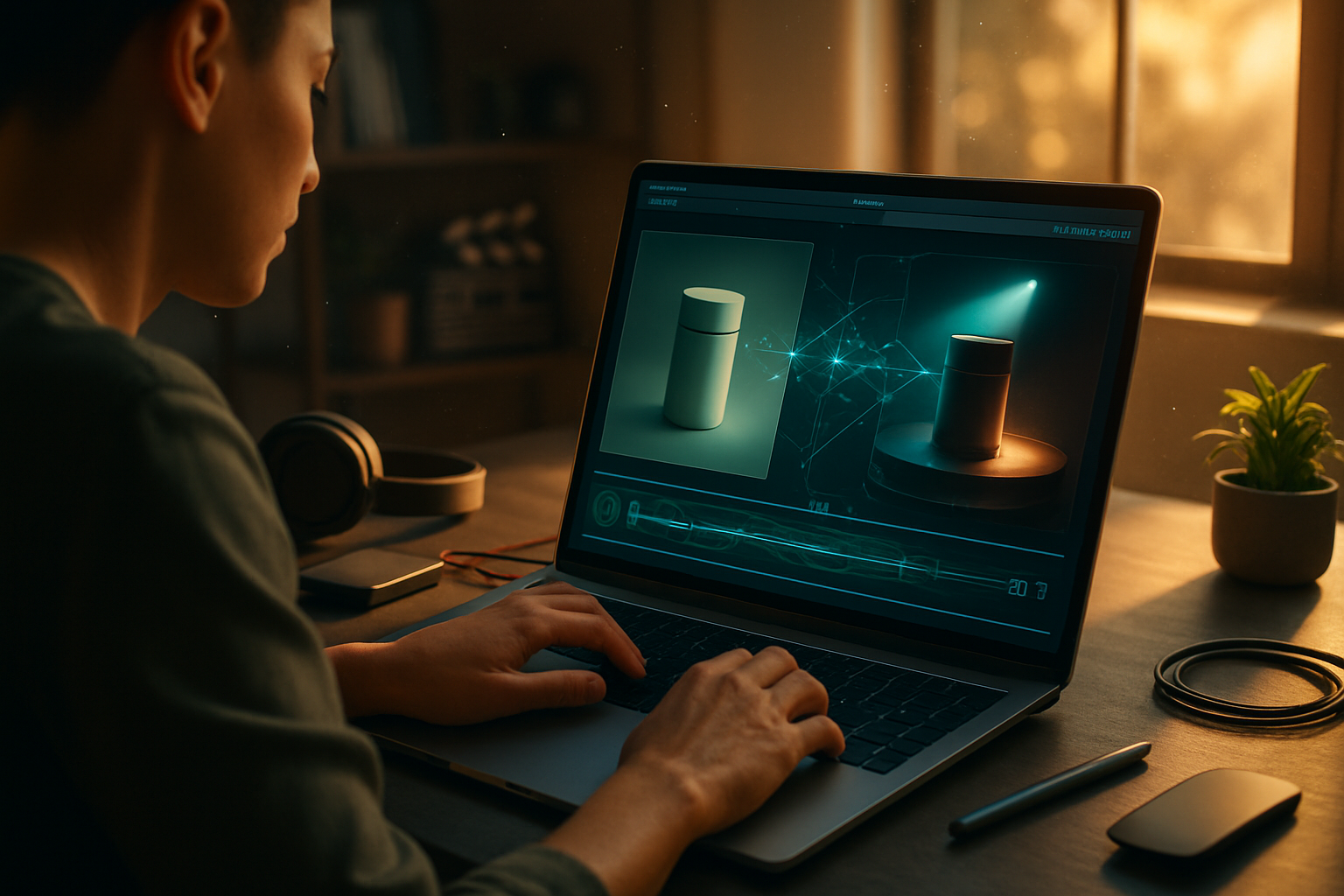
Outcome first: you can cut production time by weeks, produce polished social ads on a shoestring, and prototype dozens of iterations-all while keeping creative control. Read on to learn exactly how Runway Gen-2 makes that possible, what it does differently from other AI tools, and how small businesses and freelancers can turn those capabilities into repeatable outcomes.
Why Gen-2 matters right now
AI video tools existed before Gen-2. But run-of-the-mill tools often produced short clips, required heavy conditioning, or were limited to simple edits. Runway Gen-2 pushed past those constraints by combining multimodal generation (text, image, and motion) with editing primitives that feel familiar to editors: inpainting, frame-aware object replacement, and semantic timeline controls.
The upshot: you don’t have to be a machine learning expert to get cinematic results. You can iterate rapidly, keep a clear creative intent, and ship faster. For freelancers and small businesses that means lower overhead, faster time-to-market, and more variations for A/B testing campaigns.
What makes Gen-2 unique (short, practical list)
- Multimodal input - prompts can include text and conditioning images, letting you translate still assets into moving scenes.
- Semantic editing - ask for scene changes at a conceptual level (“make it golden hour”) rather than pixel-level masks for many tasks.
- Frame-consistent generation - smoother motion and fewer flicker artifacts compared to earlier text-to-video models.
- Integration-friendly - exportable assets and APIs that slot into existing NLE (non-linear editing) workflows.
These features are not theoretical. They change how you plan shoot days, how you repurpose content, and how you price your services.
Concrete benefits for freelancers and small businesses
Faster MVPs for video campaigns
No need to rent a studio or book an expensive shoot for every concept. Generate short, high-quality videos for product teases, landing page headers, and social ads. Iterate on messaging and visual tone in hours instead of days.
Lower production costs
Replace or reduce location shoots and complex VFX with AI-guided edits. Use a single high-quality product photo and generate multiple contextual variations (urban, studio, lifestyle) for different audience segments.
Scale personalized creatives
Create dozens of ad variants by nudging colors, props, or camera angles via prompts or conditioned inputs. That increases relevance without multiplying production time.
Better pitch demos for freelancers
When pitching, show clients several polished directions quickly. That raises perceived value and shortens decision cycles.
Accessibility for non-experts
Small teams without dedicated VFX artists can still produce modern visuals. Gen-2’s semantic controls reduce the barrier for complex edits.
Example workflow: 30-second product social ad (step-by-step)
- Gather assets - one product photo, logo, short script, and a reference mood image.
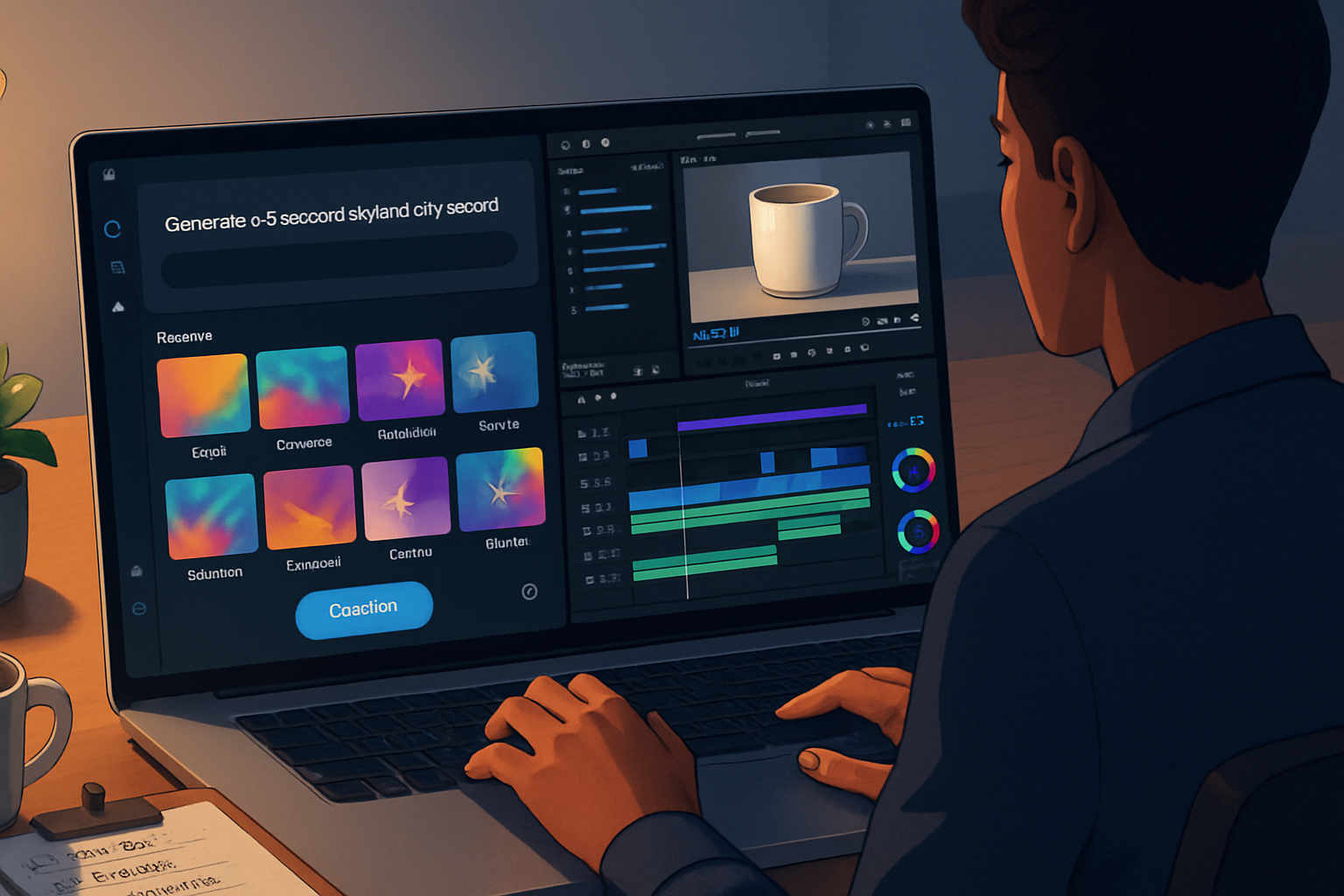
- Create a base video - use Gen-2 to generate a 30s clip from the mood + product image + text prompt (”30s hero product shot, soft golden hour lighting, slow dolly in”).
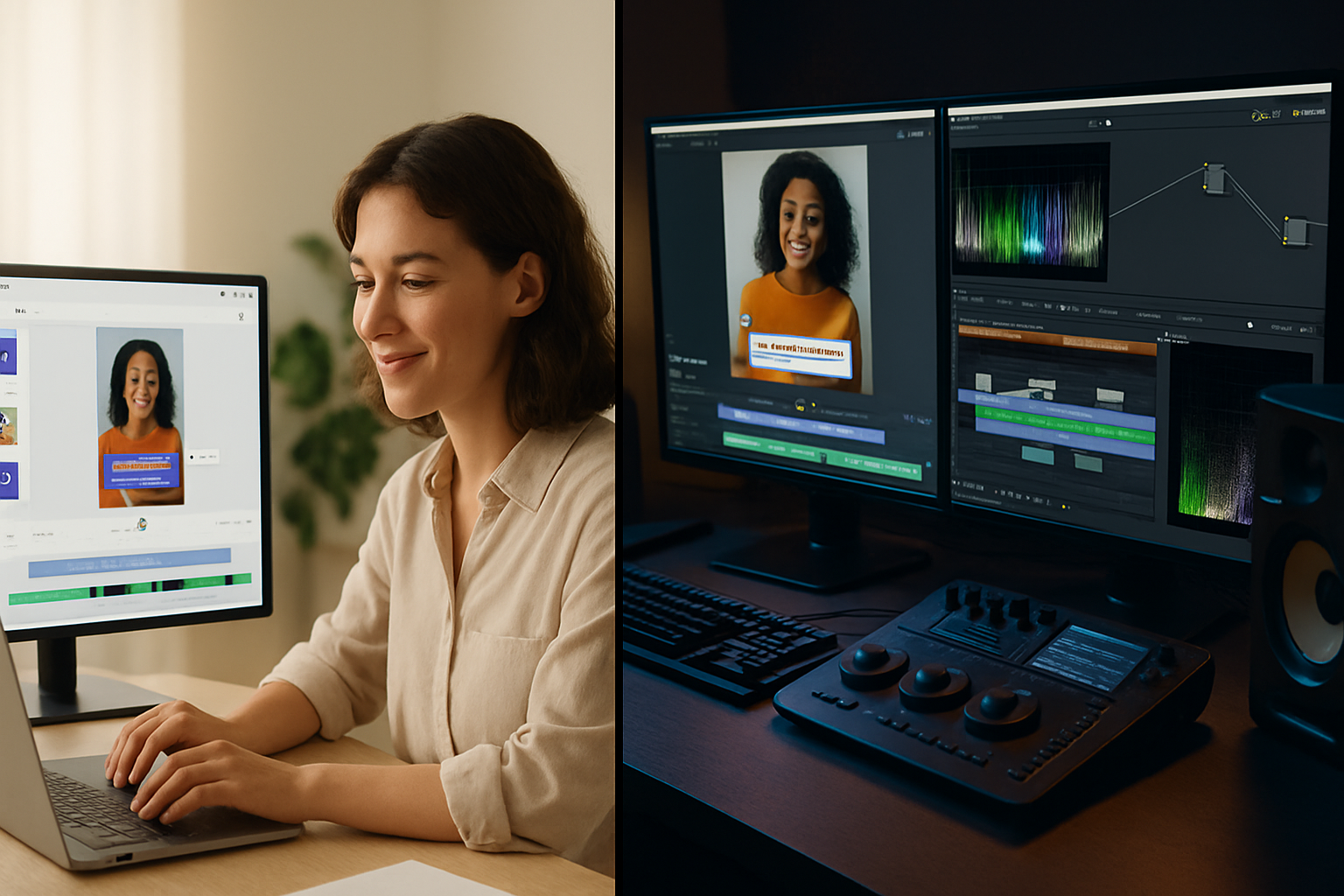
- Edit in your NLE - import the Gen-2 clip, trim, and time key messaging.
- Use semantic inpainting - replace background elements or remove distractions in a few clicks.
- Export variations - tweak prompts to create three lighting/color variants for split tests.
A pseudocode-like prompt sequence can look like:
- prompt_base: "Hero shot of [product name], cinematic shallow depth, golden hour lighting, slow dolly in."
- conditioning_image: product_photo.jpg
- variation_1: prompt_base + "urban rooftop at sunset"
- variation_2: prompt_base + "minimal studio, white seamless, high-key lighting"
The heavy lifting happens in the generation step; the NLE remains the place for fine timing, audio mixing, and brand-safe polish.
Pricing and time-savings - realistic expectations
Gen-2 can reduce costs but it isn’t free. Expect platform usage costs, potential API fees, and still some manual editing time. The real ROI shows when you measure hours saved across multiple iterations and campaigns. For freelancers, the decision becomes: bill fewer hours or take on more clients? Both are possible.
Limitations and responsible use
- Quality variability - outputs are impressive, but not always perfect. You will still need human review for brand safety and consistency.
- Resolution and fine details - for large-screen cinema distribution, traditional production still leads; Gen-2 is optimized for short-form and digital-first media.
- Ethical & legal concerns - deepfake risks, likeness rights, and copyrighted reference material need careful handling. Always secure releases, avoid misleading uses, and follow platform policies.
Runway provides documentation and guardrails. Read their usage policies before launching customer-facing content. See Runway’s official resources for current capabilities and limits: https://runwayml.com/ and their blog about Gen-2: https://runwayml.com/blog/gen-2
Practical tips to get the most from Gen-2
- Start with a clear creative brief. AI responds well to constraints.
- Use high-quality conditioning images - better inputs yield better motion and detail.
- Combine AI generation with human-led editing. Keep polishing in your NLE (color grading, sound design, motion vetting).
- Batch prompts to create variations for A/B tests. Treat prompts like parameters in your production pipeline.
- Keep a prompt library. Reuse wording that produced great results.
Use-cases that scale particularly well
- Social ads and short product teasers
- Ecommerce product lifestyle variations without multiple photoshoots
- Rapid prototyping of cinematography or mood tests before committing to a shoot
- Localized creative where quick swaps of text and locale-specific visuals matter
- Freelance portfolios and pitch reels where speed and diversity of examples win contracts
A quick checklist for adoption (three-week ramp)
Week 1: Experiment
- Run five short generation tests from different prompt styles.
- Document prompts and outputs.
Week 2: Integrate
- Import the best outputs into your NLE and produce a finished 15–30s asset.
- Test one A/B variant.
Week 3: Launch small
- Use the assets in a low-risk campaign (social, email header).
- Track performance, cost per click/view, and production hours saved.
The bigger picture: how Gen-2 shifts the creative economy
Generative tools like Gen-2 don’t replace creativity. They reallocate it. Routine, repetitive, and technically tedious tasks are automated. Strategic judgment, story, and brand taste become more valuable. For freelancers, that’s good news: your conceptual and client-facing skills will determine the premium you can charge. For small businesses, it means nimble marketing previously reserved for better-funded teams.
Final thoughts - what to watch next
- Continual quality improvements - expect better temporal consistency, longer clips, and higher resolutions.
- Workflow integrations - tighter plugins for Premiere, Final Cut, and DaVinci Resolve will appear.
- Ethical tooling - built-in provenance and watermarking could become standard to preserve trust.
Runway Gen-2 is not a magic wand. It is, however, a powerful new toolset that shifts where time and money are spent in video production. Use it to iterate faster, experiment bolder, and deliver more tailored creative at a lower cost.
References
- Runway (official): https://runwayml.com/
- Runway Gen-2 announcement and resources: https://runwayml.com/blog/gen-2