· marketing · 6 min read
How to Combine ActiveCampaign with AI for Unmatched Marketing Success
A practical guide that shows how to integrate AI with ActiveCampaign to boost open rates, personalize journeys, predict churn, and automate smarter campaigns-with step‑by‑step architectures, sample workflows, metrics, and implementation best practices.
Outcome-first introduction
You will leave this article with a clear plan to combine AI with ActiveCampaign so your campaigns perform better, scale faster, and feel distinctly personal to each customer. Read this and you’ll know which AI use cases matter most, how to wire them into ActiveCampaign securely, what to measure, and how to roll the work out without breaking existing flows.
Why combine ActiveCampaign with AI-fast
AI gives you predictions, content generation, and real-time personalization at scale. ActiveCampaign gives you the automation, contact data, and campaign delivery engine. Put them together and you stop guessing and start delivering the right message to the right person at the right moment.
- Higher open and click rates through better subject lines and content.
- More revenue from personalized product recommendations and dynamic journeys.
- Fewer lost customers through early churn prediction.
Key AI marketing use cases with ActiveCampaign
- Subject line and preview text optimization
- Use AI to generate multiple subject-line candidates and score them for predicted open rate.
- Automatically pick the top candidate and update your draft before sending.
- Dynamic email content and product recommendations
- Generate or select text blocks and product snippets tailored to each contact’s recent behavior and profiles.
- Insert those blocks into ActiveCampaign templates at send time.
- Predictive lead scoring and segmentation
- Train models on historical behavior and conversions to assign scores and create dynamic segments.
- Use scores to trigger automations - sales alerts, high-touch nurtures, or win-back flows.
- Send-time optimization
- Predict the time each contact is most likely to open an email and schedule sends accordingly.
- Churn prediction and retention offers
- Identify at-risk customers and push targeted retention offers through automation.
- Better A/B testing via automated hypothesis generation
- AI suggests test variants and analyzes multivariate results to recommend the winning creative.
Architecture patterns: how these integrations look
Pattern A - Lightweight (no-code / low-code)
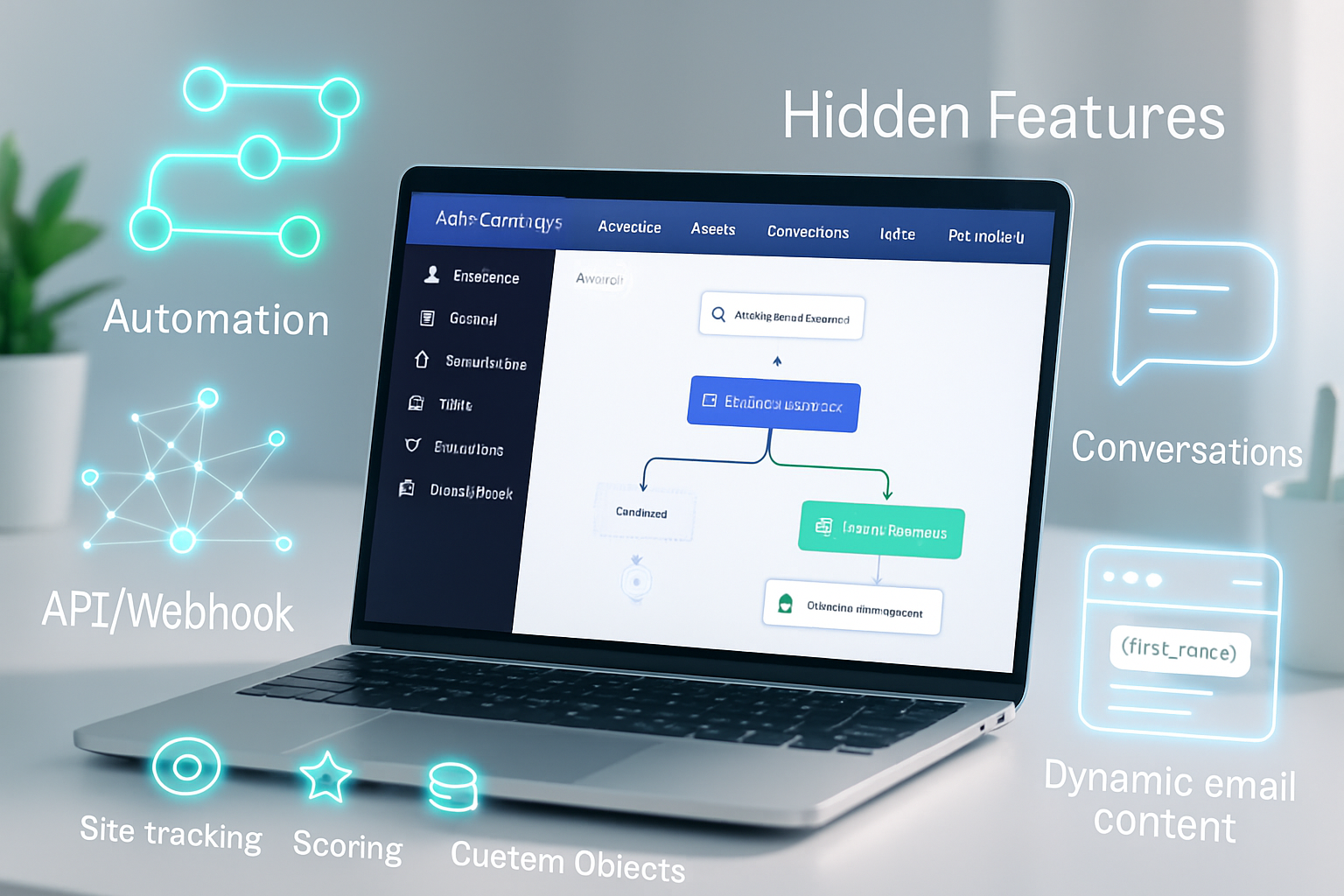
- Trigger - ActiveCampaign automation -> Zapier/Make -> AI service (OpenAI, Cohere) -> update campaign or contact via ActiveCampaign.
- Use when you need speed and limited requests.
- Tools: Zapier ActiveCampaign integrations, Make.
Pattern B - Backend service (recommended for scale)
- Trigger - ActiveCampaign webhook -> your API (hosted service or serverless) -> model inference (OpenAI, Hugging Face, or internal model) -> write results back via ActiveCampaign API.
- Use when you need control, faster throughput, secure credential handling, or complex models.
- Components - ActiveCampaign API, AWS Lambda/Google Cloud Functions/Azure Functions, OpenAI or a self-hosted model, queue (SQS, Pub/Sub) for retries.
Pattern C - Batch model scoring pipeline
- Regular ETL - export campaign and behavior data -> feature engineering -> train models -> batch-score contacts -> push segmentation/scores into ActiveCampaign for automation uses.
- Use for lead scoring, churn prediction, and offline model retraining.
Core implementation steps (practical roadmap)
Phase 0 - Audit and goal setting
- Pick 1–2 high-impact use cases (e.g., subject-line optimization and lead scoring).
- Define success metrics (open rate lift, CTR, conversions, lift in LTV, reduction in churn rate).
Phase 1 - Data & privacy checklist
- Inventory fields you use - email, tags, custom fields, event logs (opens, clicks, purchases).
- Confirm consent and lawful basis for processing (GDPR, CCPA). See GDPR primer: gdpr.eu.
- Minimize PII sent to external vendors. Anonymize or hash when possible.
Phase 2 - Quick proof of concept (7–14 days)
- Implement a webhook-based POC that generates subject lines or personalized intro text using the OpenAI API and updates a campaign draft or contact field.
- Measure uplift vs the control.
Phase 3 - Production and scale
- Build robust retry logic and monitoring. Use queues for backpressure.
- Cache common AI outputs and rate-limit API calls to control costs.
Phase 4 - Iterate and extend
- Add model retraining or online learning for scoring models.
- Expand to more automation triggers and channels.
Sample workflows with implementation details
A) Subject-line optimizer (real workflow)
- Data - historical subject lines, open rates, campaign metadata.
- Model options - prompt-engineered LLM or small fine-tuned classifier that predicts open probability.
- Flow:
- Export campaign data and train/validate a predictive model locally (or use prompt scoring with an LLM).
- When building a campaign, your system calls the model to generate 5 subject lines and predicts open rate for each.
- Pick top-scoring subject and update the campaign via ActiveCampaign API.
Pseudo flow (serverless):
- ActiveCampaign automation or UI triggers a webhook to your serverless endpoint.
- Endpoint calls OpenAI to generate candidates and then scores them (either with the LLM or a small model).
- Endpoint PUTs the campaign update via ActiveCampaign API.
Helpful prompt example (GPT-style) for subject lines:
You are a senior email marketer. Create 5 concise subject lines (5–8 words) for a campaign promoting a 20% off spring jackets sale to customers who bought outerwear in the past 12 months. Make them attention-grabbing, clear, and include urgency where appropriate. Return JSON with subject and tone (friendly, urgent, formal).B) Personalized product recommendations at send time
- Keep a ready-to-render template with dynamic fields.
- On send, call your recommendation engine (could be a lightweight nearest-neighbor on recent purchases) and write the selected SKUs into custom fields or push them into an email template via the API.
C) Predictive lead scoring and dynamic routing
- Batch-train a model on historical data with conversions as labels.
- Produce a score per contact and push into ActiveCampaign custom field (e.g., predicted_ltv_score).
- Use ActiveCampaign automations to route high-score leads to sales.
ActiveCampaign APIs & webhooks (practical notes)
- ActiveCampaign has a REST API and supports webhooks to send events to your services. See the official docs: ActiveCampaign Developers.
- Typical pattern - use the /contact/sync or /contacts endpoints to update contact fields and tags.
- Always rotate API keys and store secrets securely (use secrets manager).
Example (pseudocode) to update a contact field after AI scoring:
POST https://YOUR_ACCOUNT.api-us1.com/api/3/contacts/{id}
Headers: Authorization: Bearer <YOUR_API_KEY>
Body: {"contact": {"fieldValues": [{"field": "FIELD_ID", "value": "<predicted_score>"}]}}
Tools & platforms to consider
- LLMs & inference - OpenAI
- Integration platforms - Zapier, Make, or a custom backend for scale.
- Serverless compute - AWS Lambda
- Data pipelines and storage - Airbyte, Fivetran, Snowflake, BigQuery for model training and feature stores.
Measurement: what to track
- Short-term engagement - open rate, click-through rate (CTR), unique clicks.
- Revenue metrics - conversion rate, revenue per email, AOV uplift.
- Long-term retention - churn rate, repeat purchase frequency.
- Operational - API latency, model inference cost, error rate.
Testing and validation
- Always A/B test AI-driven variants vs a control group.
- Run significance tests and track short- and long-term metrics.
- Monitor for degeneration - models can drift as behavior changes. Retrain periodically.
Privacy, compliance, and ethical considerations
- Minimize PII sent to third-party AI providers. Where you must send PII, verify vendor compliance and data handling policies.
- Keep transparent records of automated decisioning when relevant to customers and regulators.
- Avoid manipulative nudges. Favor value-driven personalization (useful recommendations, helpful reminders).
Scaling and cost control
- Cache AI outputs where they are reusable (e.g., subject lines for a campaign).
- Use hybrid inference - LLMs for creative candidates, cheap classifiers for scoring.
- Monitor API usage and set budgets and rate limits.
Common pitfalls and how to avoid them
- Over-automation - Don’t replace human review for high-stakes messages. Start with assistant-style workflows.
- Data mismatch - Ensure training data reflects the audience for the live campaign.
- Ignoring legal rules - Get legal sign-off where automated decisions could affect user rights.
Checklist before going to production
- Clear success metrics defined.
- Data consent and privacy reviewed.
- POC shows meaningful lift in a controlled test.
- Monitoring and fallbacks implemented.
- Cost and rate-limit plan in place.
Conclusion - what you’ll achieve
Integrating AI with ActiveCampaign lets you move from one-size-fits-all campaigns to contextually intelligent experiences-faster opens, better clicks, and more revenue. Start small. Prove impact. Then scale with solid engineering and ethical guardrails. Do that, and your marketing will be not only more efficient, but distinctly more human.
References
- ActiveCampaign API documentation: https://developers.activecampaign.com/reference/
- OpenAI platform docs: https://platform.openai.com/docs/
- Zapier ActiveCampaign integrations: https://zapier.com/apps/activecampaign/integrations
- GDPR overview: https://gdpr.eu/