· marketing · 7 min read
Debunking the Myths: What Hootsuite Can and Can't Do
Separate hype from reality: learn what Hootsuite actually does, what it can't do, and how to use it effectively as part of a real-world marketing workflow.
What you’ll get from this article
Quickly: you’ll walk away able to separate the realistic uses of Hootsuite from common misconceptions, decide where it fits in your tech stack, and apply practical workflows that avoid wasted time and money.
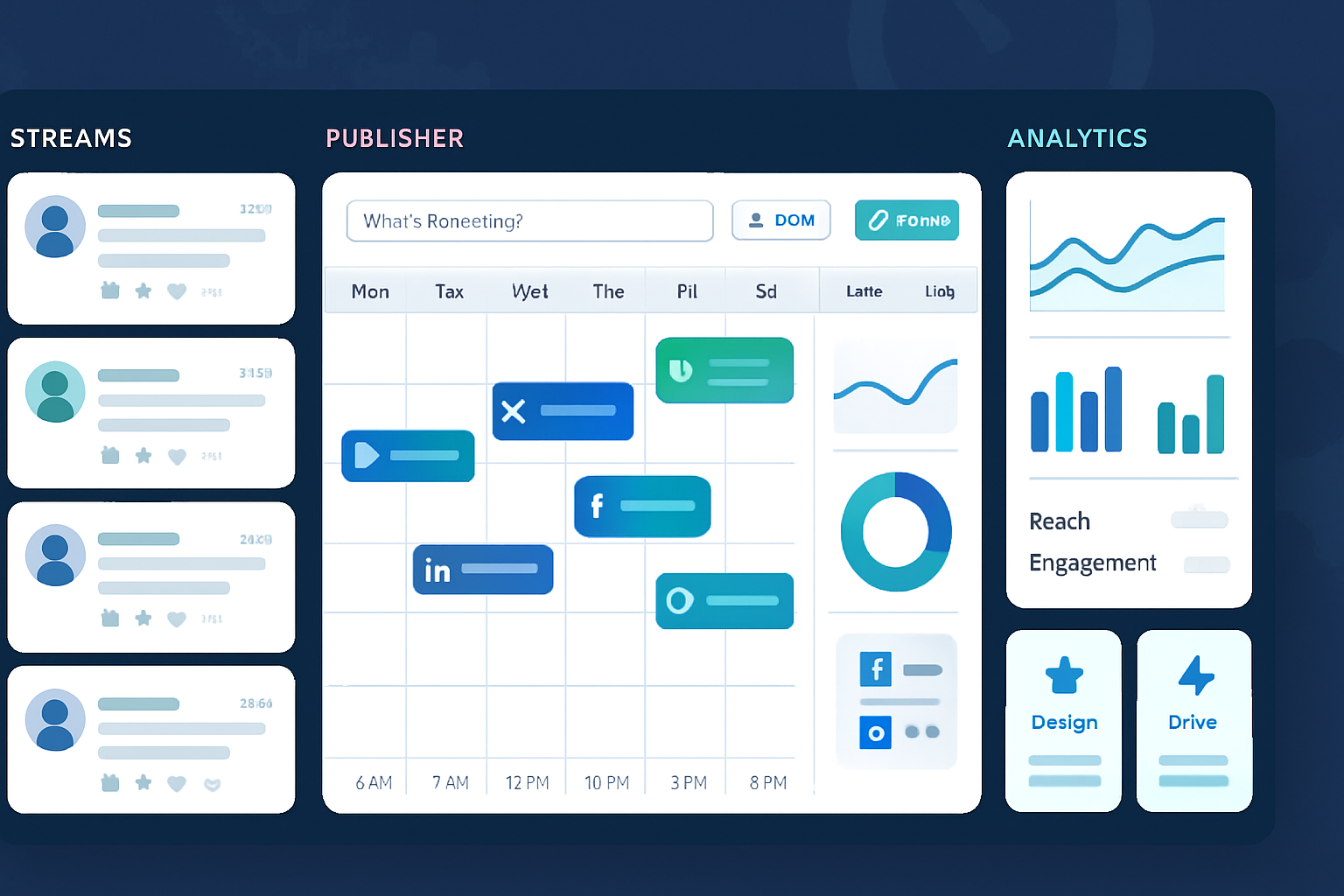
Hootsuite is a powerful social media management platform. But it’s not a magic growth engine. It’s not a CRM. And it won’t replace strategy. If you know what it does well - scheduling, team workflows, basic listening, and centralized reporting - you can use it to remove friction from your work, free time for higher-value tasks, and get clearer results. Read on to see the most common myths, the truth behind each one, and the practical next steps.
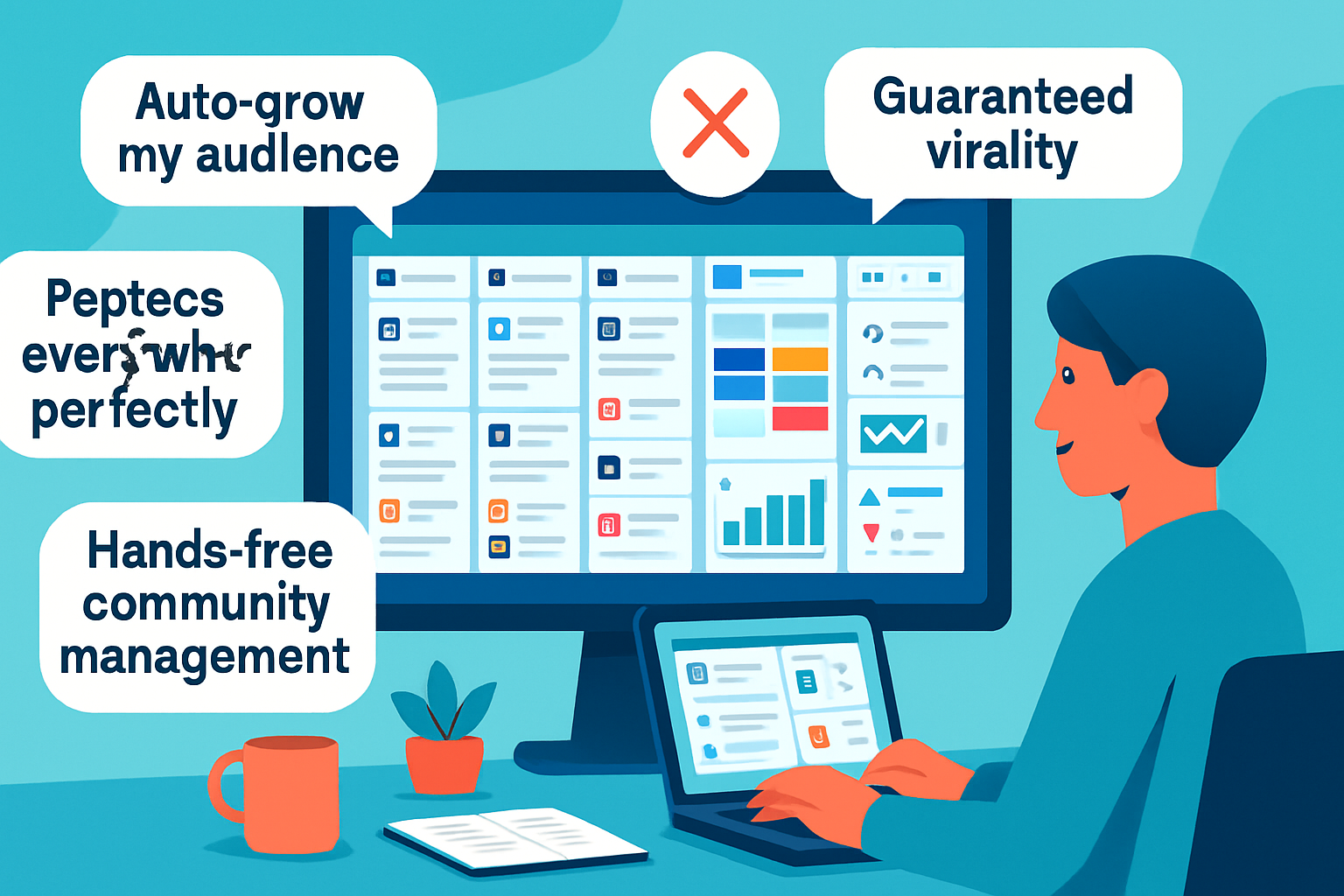
Myth 1 - “Hootsuite will grow my audience automatically”
Reality: Tools don’t create community. Strategy does.
Hootsuite can help you be consistent, publish at optimized times with AutoSchedule, and A/B test creative and copy. But it cannot create content that resonates, choose the right brand voice, or guarantee engagement. Audience growth is a function of content quality, relevance, and distribution strategy - not scheduling software.
Why this myth persists: marketers see automation and assume the rest of the work disappears. In reality, automation removes operational friction but doesn’t replace creativity or strategic targeting.
What to do instead:
- Use Hootsuite to standardize distribution (scheduling, queues, bulk uploads).
- Free up time to iterate on creative and community management.
- Pair Hootsuite with an audience targeting plan and creative calendar.
Reference: Hootsuite AutoSchedule feature details explain how the tool manages timing but not content strategy: https://help.hootsuite.com/hc/en-us/articles/360037187834-AutoSchedule
Myth 2 - “Hootsuite can post to every social platform and format perfectly”
Reality: Hootsuite supports many networks - but each network has its own API rules and feature parity limitations.
Hootsuite supports platforms such as Facebook, Twitter/X, LinkedIn, Instagram (including direct publishing to some post types), TikTok (with some publisher restrictions), Pinterest, and YouTube - but not all post types or advanced native features are always supported (for example, full Instagram Stories scheduling historically required mobile reminders or workarounds). Check the up-to-date list of supported networks and behavior in Hootsuite’s documentation.
What this means practically:
- Expect reliable support for standard posts, scheduling, and many media types.
- Expect some edge cases - native stickers, certain story formats, or platform-specific ad placements may not be fully supported through Hootsuite.
- Changes to a platform’s API (e.g., Instagram, TikTok) can immediately affect what third-party tools can do.
Actionable tip: Before launching a campaign that requires specialized formats (e.g., Instagram Reels with music edits, or TikTok-native effects), test a small batch through Hootsuite and be prepared to publish natively when you need platform-specific features.
Reference: Full list of supported social networks: https://help.hootsuite.com/hc/en-us/articles/360057368213-Supported-social-networks
Myth 3 - “Hootsuite will replace my CRM or customer service platform”
Reality: Hootsuite centralizes social messages and offers conversation management - but it’s not a full CRM or ticketing system.
Hootsuite Inbox and message streams let teams respond to social messages, assign conversations, and use basic tags. But if you need deep customer records, lifecycle triggers, multi-channel ticketing with SLA workflows, or integration into billing and order systems, a dedicated CRM or helpdesk (e.g., Salesforce, Zendesk, HubSpot) is the right tool.
How to combine tools instead of choosing one:
- Use Hootsuite for social intake and initial triage.
- Integrate Hootsuite with your CRM/helpdesk via native connectors, Zapier, or APIs to push high-value conversations into a ticketing workflow.
Reference: Hootsuite features for team collaboration and Inbox are outlined on the product pages: https://hootsuite.com/products
Myth 4 - “Hootsuite’s analytics give you everything you need for strategy”
Reality: Hootsuite analytics deliver strong high-level metrics and reporting, but deep platform-native analytics sometimes reveal different insights.
Hootsuite’s analytics are excellent for cross-channel performance, scheduled reports, and comparative trend analysis. However, platform-native analytics may provide additional data points (e.g., TikTok’s creator-specific metrics, granular Instagram Reels engagement details, or native platform experiment tools) that Hootsuite does not surface.
Practical workflow:
- Use Hootsuite analytics for weekly/monthly cross-channel reporting and exec dashboards.
- Pull native platform analytics for deep dives, experimental metrics, or platform-specific tests.
- Combine both sources in a single reporting doc or BI tool for fuller insight.
Reference: Hootsuite Analytics product overview: https://hootsuite.com/products/analytics
Myth 5 - “Hootsuite’s listening is as powerful as enterprise social intelligence platforms”
Reality: Hootsuite provides solid social listening for brand monitoring and campaign signals, but it’s not a replacement for specialized enterprise social intelligence tools.
Hootsuite can track keywords, hashtags, and mentions across multiple networks and provide sentiment snapshots. But high-volume, historical dataset analysis, advanced trend prediction, or deep competitive benchmarking often requires a specialized platform (e.g., Brandwatch, Sprinklr, Crimson Hexagon) depending on the scale.
When Hootsuite listening is enough:
- Brand mentions monitoring, competitor mention alerts, and basic sentiment tracking.
When to upgrade to a specialist:
- Longitudinal studies across years of data.
- Large-scale market research, influencer network analysis, or enterprise-grade crisis monitoring.
Reference: Hootsuite’s listening features and limitations are described in their product documentation and feature pages: https://hootsuite.com/products
Myth 6 - “Any team can use Hootsuite without setup or governance”
Reality: Hootsuite makes things easier - but without governance, you get chaos.
Social accounts are brand assets. Loose permissioning, shared credentials, and no content approval process cause mistakes. Hootsuite supports team roles, approvals, and assignment features, but you must configure them and enforce policies.
Governance checklist:
- Use role-based access control and avoid shared master credentials.
- Create publishing approval workflows for public-facing content.
- Maintain an asset library with approved brand assets and copy templates.
Reference: Hootsuite collaboration and team features overview: https://hootsuite.com/products
Myth 7 - “Hootsuite is too expensive / or Hootsuite is always the cheapest option”
Reality: Value depends on needs.
Hootsuite pricing ranges by plan and features: solo users or small teams may find lower-cost alternatives (e.g., Buffer for simpler scheduling), while larger teams will benefit from Hootsuite’s enterprise capabilities (team workflows, advanced reporting, multiple social profiles). Evaluate cost against time saved, error reduction, and the value of unified reporting.
How to evaluate:
- Map the features you actually need (number of profiles, team seats, approvals, analytics depth).
- Compare plan limits and consider integration costs.
- Trial and measure time saved on publishing and reporting.
Reference: Hootsuite pricing and plan details: https://hootsuite.com/plans
How to use Hootsuite effectively - practical playbook
- Start with a published social playbook.
- Define roles, approval steps, and crisis escalation.
- Audit networks and formats you need.
- Test platform-specific posts before a full campaign launch.
- Centralize scheduling but keep some native publishing.
- Schedule evergreen and standard posts through Hootsuite.
- Publish high-touch, format-sensitive content natively.
- Use Hootsuite analytics for cross-channel reporting.
- Pull native analytics for deep dives.
- Integrate with your CRM/helpdesk when social conversations require tickets.
- Automate thoughtfully.
- Use AutoSchedule and bulk uploads for scale.
- Avoid full automation for community-first content.
Quick checklist: When Hootsuite is the right tool
- You need one place to schedule and monitor multiple social channels.
- Your team requires approval workflows and content libraries.
- You want cross-channel analytics and scheduled reports.
- You need a central inbox for social messages and basic triage.
When to consider other tools or add-ons:
- You need enterprise-grade social listening or long-term historical analysis.
- You need a full CRM or complex ticketing integrated into business systems.
- You rely heavily on a platform’s newest, highly specialized content formats.
Final take - the strongest truth
Hootsuite is not a promise of automatic growth. It is a force multiplier for teams that already have strategy, creative, and governance in place. Use it to scale operations, reduce human error, and deliver consistent reports - but don’t outsource your judgment to a dashboard. When you pair Hootsuite’s operational strengths with a clear content strategy and the right integrations, you get the outcome every marketer wants: better work, delivered more efficiently.
References
- Hootsuite product pages and feature overviews: https://hootsuite.com/products
- Supported social networks and platform-specific behavior: https://help.hootsuite.com/hc/en-us/articles/360057368213-Supported-social-networks
- AutoSchedule help article: https://help.hootsuite.com/hc/en-us/articles/360037187834-AutoSchedule
- Hootsuite pricing and plans: https://hootsuite.com/plans